
← All Issues
Thirsty Thursday #257

#ThirstyThursday Issue #257

Oct 15, 2026
A colorful illustration features a wooden basket filled with purple grapes and green leaves on the left. Large navy text reads “WHAT DID THE GRAPE SAY WHEN IT GOT STEPPED ON?” against a cream background with blue checkerboard patterns and a yellow strip along the bottom.

Click the image for the punchline ☝️.

✅ Today’s Checklist:

  • Turns out your LinkedIn profile is a landing page
  • Prompts to make Copilot do the heavy lifting
  • Five tools that make a corporate job way easier
  • A renter-friendly catio your landlord won’t mind

🗓️ NEXT THURS 10/22 @ 9AM PT: 61% of you told us you rework about half of what AI gives you. These 3 AI fixes are the training your company didn’t give you. Free, one hour. Save your seat.

🎁 Heads up: Boss’s Day is this Friday.
Our gift guide covers solo picks and team group gifts, plus what to skip.
QUICK LINKS

🔥 13% of women quit their jobs over menopause symptoms.

🌿 Calmer evenings and deeper sleep, paid for with FSA dollars.

🏆 Take employee recognition to the next level with these reward tools.

✂️ The newest ChatGPT and Claude models ramble less, so you’ll spend less time editing.

LINKEDIN

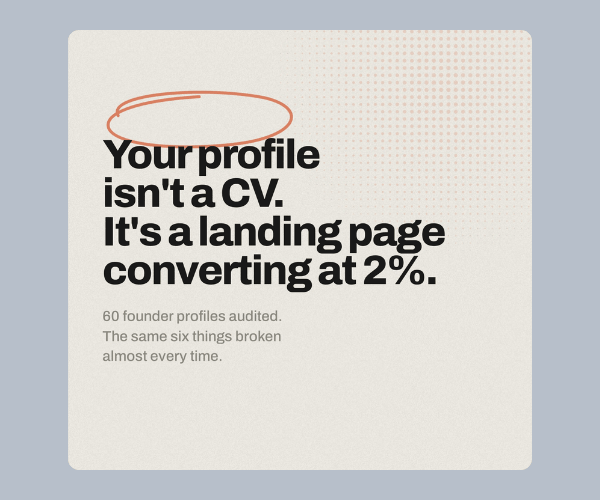
A beige graphic with a gray-blue border features bold black text reading “Your profile isn't a CV. It's a landing page converting at 2%.” Smaller gray text underneath reads “60 founder profiles audited. The same six things broken almost every time.”

The 5 LinkedIn Profile Fixes to Make Before You Post Again


Takeaways:

  • Make your headline and banner immediately explain your value. Instead of simply writing “Founder at Acme,” try something like “I help B2B SaaS teams turn LinkedIn into a booked calendar,” then use your banner to showcase one strong piece of proof or a measurable result.
  • Treat your About section like a landing page. The first two lines are what people see before clicking “see more,” so use them as a hook and write directly to the specific person you want to reach.
  • Make the rest of your profile support the conversion. Fill your Featured section with useful resources or lead magnets, and make sure your most recent or pinned posts represent your strongest content. The creator recommends fixing your headline, banner, About section, Featured section, and pinned post before focusing on publishing more content.

Read the full LinkedIn post.

INSTANT HOW-TOS

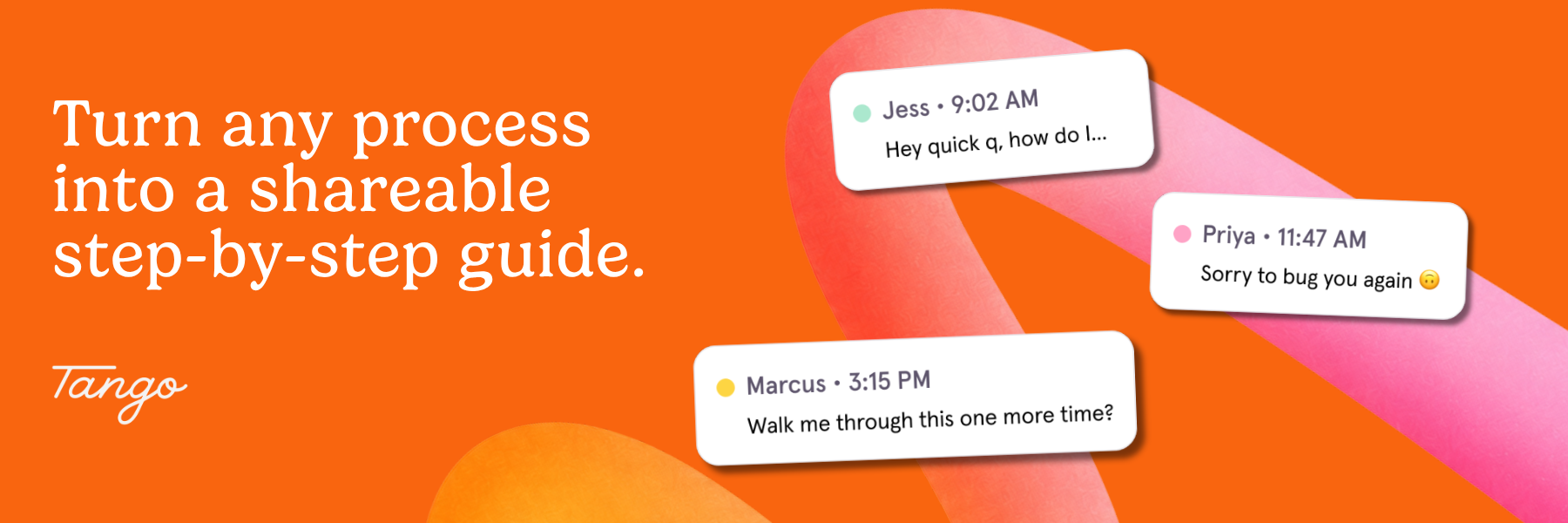
Three message cards appear on the left beside a browser window titled “How to submit an expense.” Large text on the right reads, “The person everyone asks just got backup,” above the orange Tango logo.

Stop Being Your Team’s Unofficial Help Desk


You see the three dots pop up in Slack and already know what’s coming. Same question as last Tuesday. And the Tuesday before that.

Being the go-to person is a compliment right up until it eats your whole calendar. Every “can you walk me through it one more time?” pulls you out of real work, and nobody’s writing “answered 14 Slack pings about expense reports” on your performance review.

Here’s the fix we’d text our best friend: create a Tango. Download the free Chrome extension and do the task the way you normally would. Tango automatically turns every click into a step-by-step guide with screenshots. No writing, no formatting, no 40-page doc nobody reads.

Next time someone asks, just send a Tango. They get the exact steps and learn it right the first time, and you get your afternoon back.

Make one for the new hire starting Monday, the month-end report only you know how to pull, and the handoff before your vacation.

Whatever the question, Tango’s got your back.

👉 Send your first Tango (it’s free).

PRODUCTIVITY

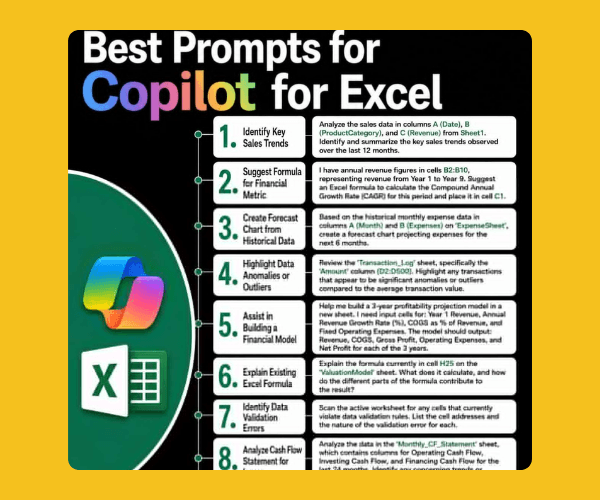
A black infographic on a yellow background features the heading “Best Prompts for Copilot for Excel.” Eight numbered prompts appear alongside Microsoft Copilot and Excel logos, with white text boxes containing examples.

10 Copilot Prompts to Work Smarter in Excel


Takeaways:

  • Get better analysis by telling Copilot exactly what to examine and what you want to learn. Instead of “analyze this data,” try: “Analyze the sales data in columns A (Date), B (ProductCategory), and C (Revenue). Identify and summarize the key sales trends over the last 12 months.”
  • Use Copilot for more than basic analysis. Ask it to create formulas for metrics like CAGR, build forecasts from historical data, flag anomalies in transaction logs, find data-validation errors, analyze cash flow for potential issues, or reconcile invoices against bank receipts.
  • Give Copilot the context it needs, including specific sheets, columns, cells, time periods, thresholds, and desired outputs. For example: “Analyze column D, flag anything above 5%, and compare it to last quarter.” The more specific the request, the more useful the output is likely to be.

Read the full LinkedIn post.

ORGANIZATION

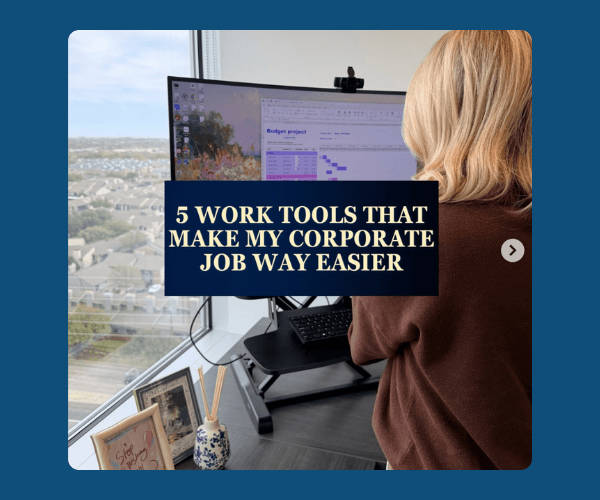
A woman with blonde hair stands at a desk facing a large computer monitor beside a window. A dark blue text box reads “5 WORK TOOLS THAT MAKE MY CORPORATE JOB WAY EASIER,” with a blue border surrounding the image.

5 Work Tools to Keep on Your Radar


Takeaways:

  • Make Outlook work harder for you by color-coding your calendar so you can understand your day at a glance, then turn emails that require action into tasks or flag them so they don’t disappear in your inbox.
  • Create one home for your meeting notes in OneNote so they’re organized and searchable, and use Calendly to eliminate the back-and-forth of scheduling by letting people book directly into your available times.
  • Use Microsoft Copilot to take repetitive work off your plate. Have it summarize long email threads, draft responses, and recap meetings so you can spend less time catching up and more time on the work that needs your attention.

See the full post on IG.

REMINDER: BOSS’S DAY

A colorful illustration features a desktop monitor displaying a memory book with the text “THANKS FOR BEING A GREAT BOSS” and several pages filled with photos and messages. On the right, a woman with long blue hair and a pink shirt talks on the phone while sitting at a yellow desk with a laptop, notebook, and mug.

Don’t Forget: Boss’s Day Is Tomorrow! Get the Whole Team on One Card.


Boss’s Day is Friday, October 16, and if you’re the one organizing the card, you know how it goes: a paper card making its way desk to desk for a week, half the team working remote, and one person who never gets around to signing.

GroupTogether puts the whole card online in about two minutes. Send one link and everyone signs from wherever they are, no account needed, with room for as many messages, photos, and GIFs as the team wants.

  • Send it digitally on the day, or download a PDF to print
  • Collect money for an eGift card in the same place (no more chasing people on Venmo)
  • Used by 42,000+ companies

Use code BOSS26 to make your card free.

👉 Start your Boss’s Day card.

HOME

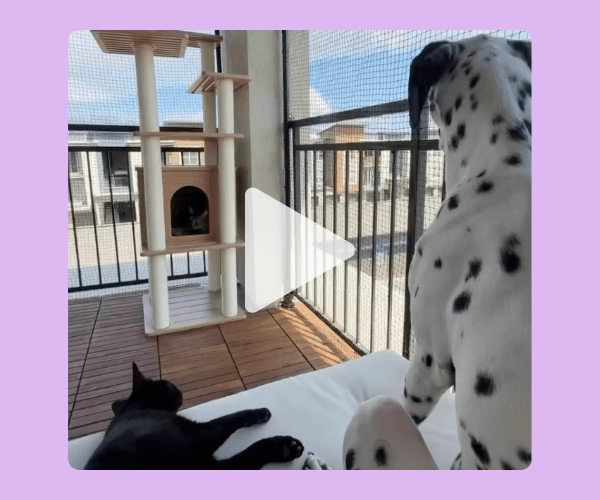
A video thumbnail shows a black cat lying on a white surface while a spotted white dog stands nearby. A wooden cat tree sits beside large screened windows, with a lavender border surrounding the scene.

Step-By-Step Tutorial for a Renter-Friendly Catio


Takeaways:

  • Start with renter-friendly materials that don’t require permanent construction. The creator used interlocking waterproof deck tiles for the floor and vertical extension rods in each corner of the balcony to create a removable frame for the enclosure.
  • Enclose the balcony with stainless steel reinforced cat netting secured to the rods with zip ties. Wrap the net tightly around each rod, fasten it from top to bottom, secure the rods to the railing with overlapping zip ties, and use silicone tape to give the ties extra grip. The creator also attached the bottom of the net to the deck tiles and used Command hooks where tiles wouldn’t fit.
  • Once the balcony is securely enclosed, make it a space your cats actually want to use. The creator added an outdoor loveseat and a 5-foot weather-resistant cat tree, with plans to add plants and more decor. Before letting cats roam unsupervised, make sure there are no gaps or loose areas they could squeeze through.

Watch the full tutorial on Pinterest.

STAFF PICKS

Stuff We’re Loving This Week


🕯️ October in a jar: this pumpkin marshmallow candle.

👉 A free daily newsletter that makes staying informed feel like less of a project.

🍫 These protein-packed puff bars bring the sweet treat energy.

🍋 Cure’s lemonade hydration mix tastes like summer and works like an electrolyte drink.

JUST FOR FUN

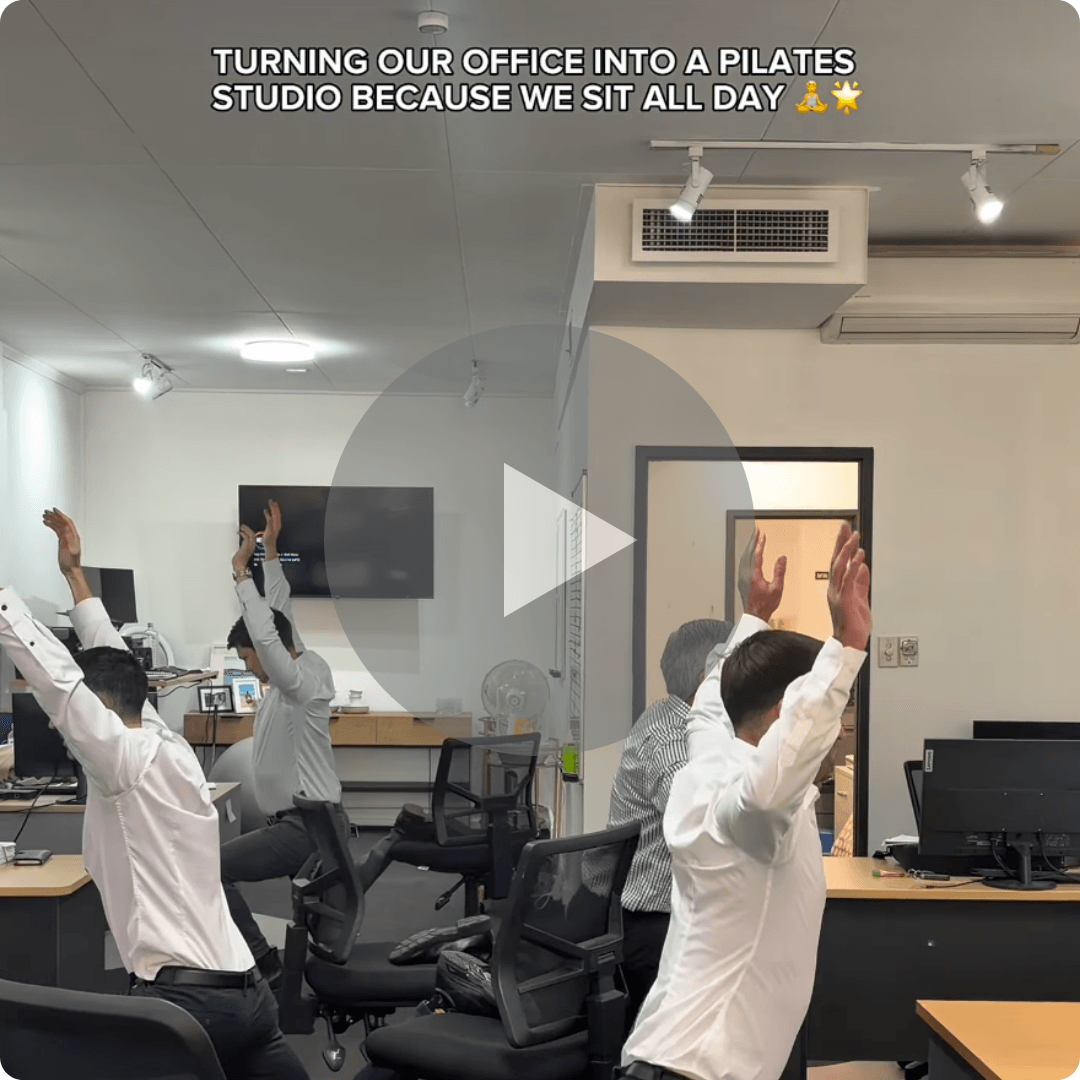
A video thumbnail shows several office workers seated in rolling chairs with their arms raised inside an office with desks and computer monitors. White text at the top reads “TURNING OUR OFFICE INTO A PILATES STUDIO BECAUSE WE SIT ALL DAY,” followed by two emojis.

COMMUNITY

📆 Upcoming Events

* Smart Girl Society is our private community for women who want deeper conversations, accountability, and tools that actually make life easier. Join the waitlist to get in the next round.

💼 Browse our job board here.

SPILL THE TEA

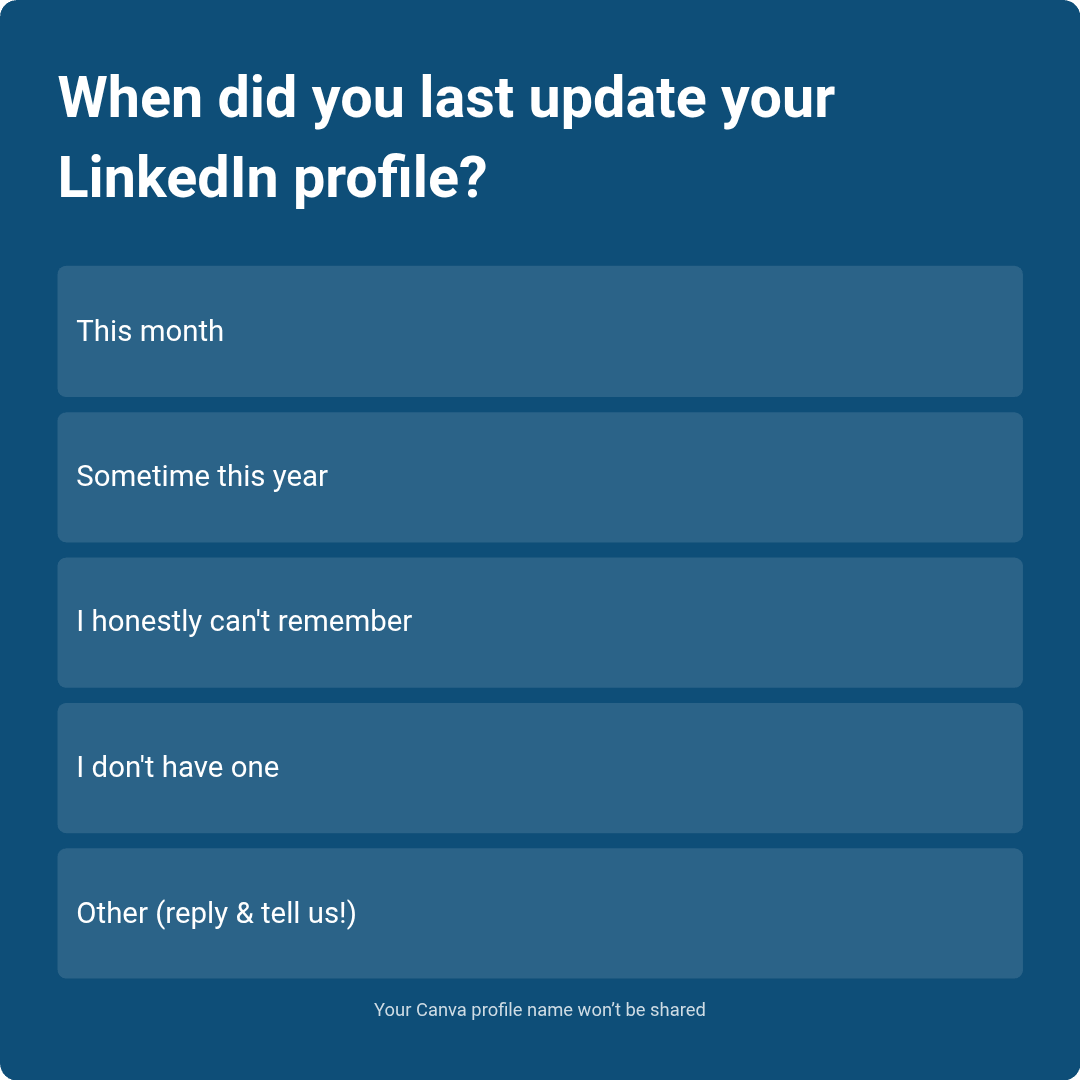
Take Our Poll

TA Poll Thirsty Thursday 257

Have more feedback? 💌 Reply to this email and tell us.

✨ P.S. Want more inspiration and positivity to kick off your week? Sign up for our Motivational Monday texts (U.S. only).

The Assist Workle

👀 Want to see if your company is a good fit for our 250k+ ambitious readers? Join our Sponsor Waitlist here.

✉️

Get this in your inbox

Join 301k+ smart women reading The Assist every Thursday.

Please enable JavaScript in your browser to complete this form.
Skip to content