Here’s the thing about starting a side business or launching your personal brand: you don’t need to drop $2,000 on a designer to look professional. You need a logo, business cards, and maybe some letterhead. That’s it. And with AI tools? You can knock this out in an afternoon.
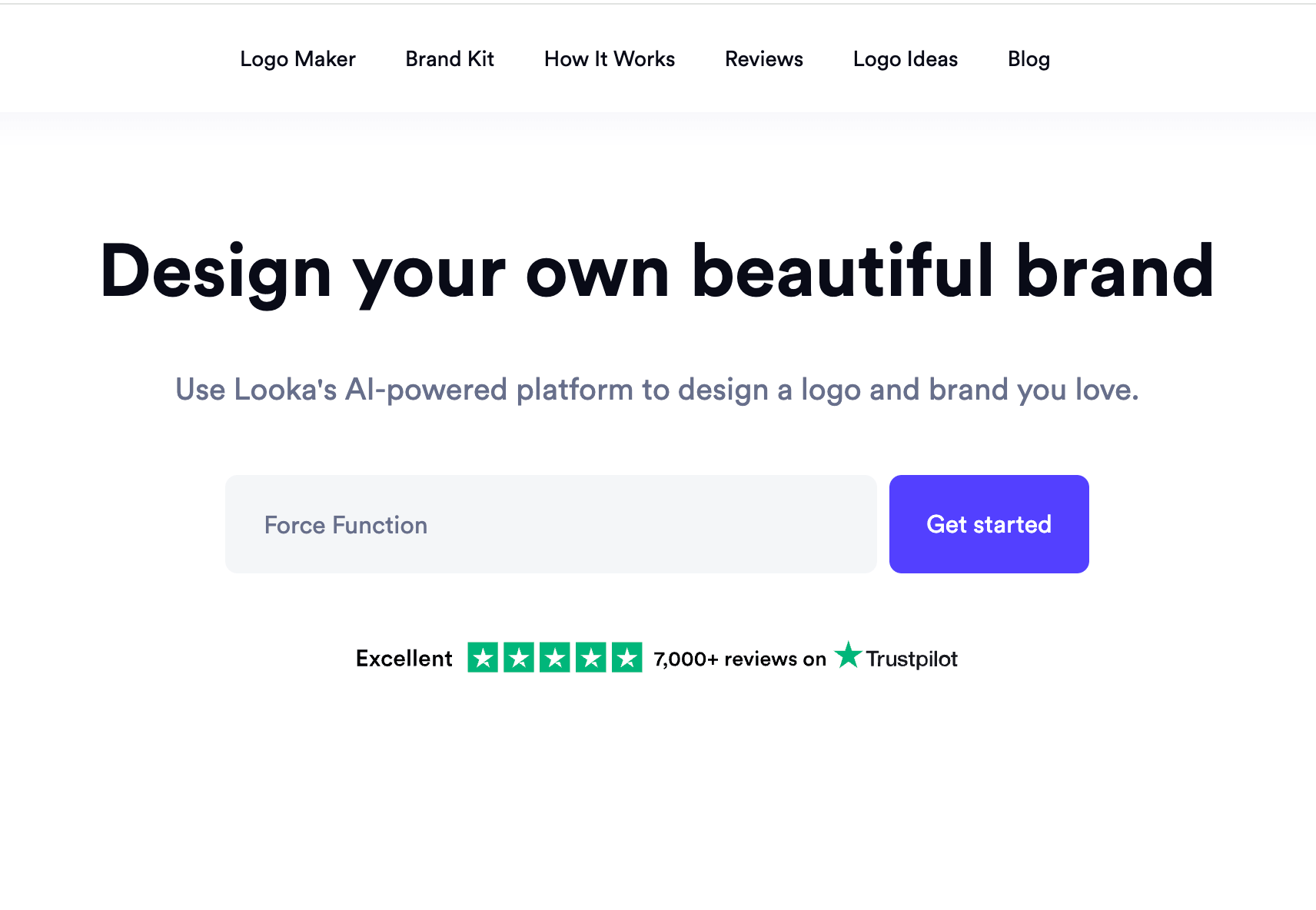
I’m going to walk you through exactly how I created a complete brand identity for a fictional wellness business called Force Function. From logo to business cards to letterhead, using Looka.ai and Canva, and only like $20 for the logo, plus whatever you spend on printing.
Step 1: Create your logo with Looka.ai
Head to Looka.ai and type in your business name. It’ll walk you through a super simple questionnaire to understand your vibe.
First, it asks you to pick your industry. I chose “Wellness” since Force Function is a functional fitness studio.
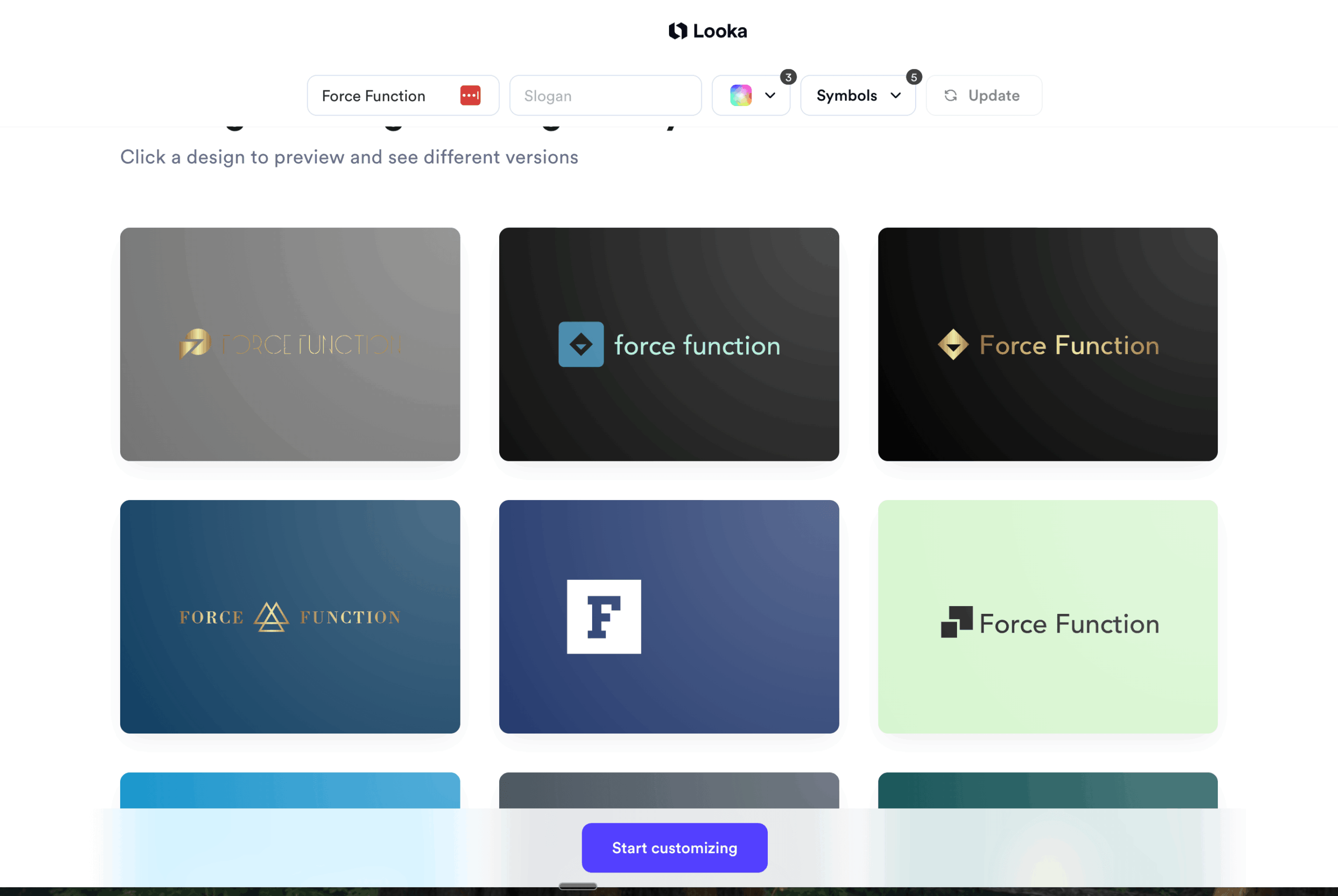
Then it’ll show you a grid of logo examples and ask you to pick the ones you like. Don’t overthink this; just pick what feels clean and functional to you. I picked logos that felt modern and strong, not overly decorative.
Step 2: Choose your colors strategically
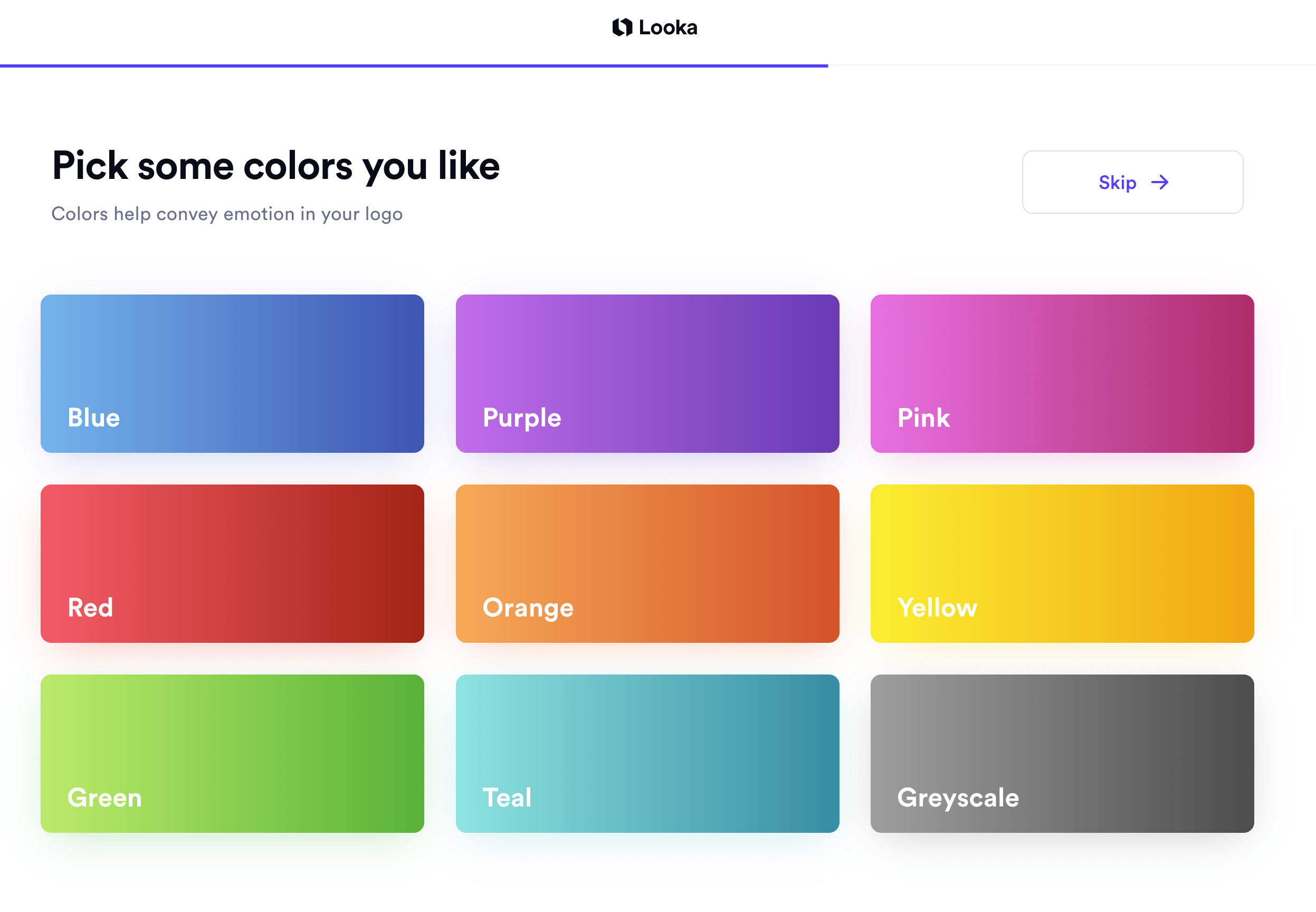
Here’s where it gets fun. Looka will ask you to pick colors, and this is where a little color psychology goes a long way.
I Googled “what colors generate trust and health” and found:
- Blue = trust, calm, stability
- Green = health, growth, balance
I went with blue, green, and black to keep it clean, professional, and grounded.
Step 3: Pick your symbols
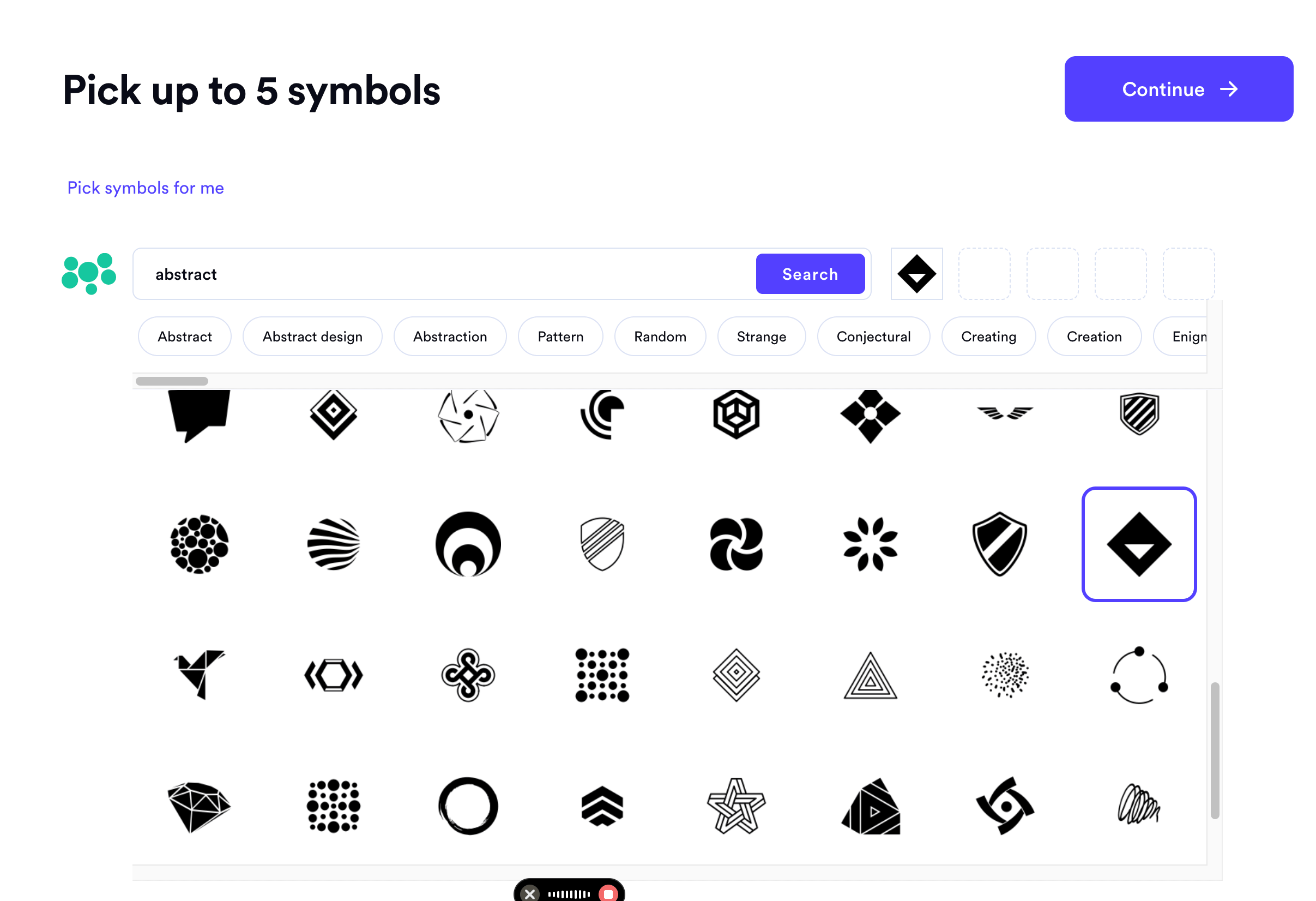
Looka will ask if you want to add a slogan (I skipped it) and then offer you symbols. I clicked “pick my own symbols” so I could browse and select five that felt right. Think strength, movement, balance.
Step 4: Customize your logo
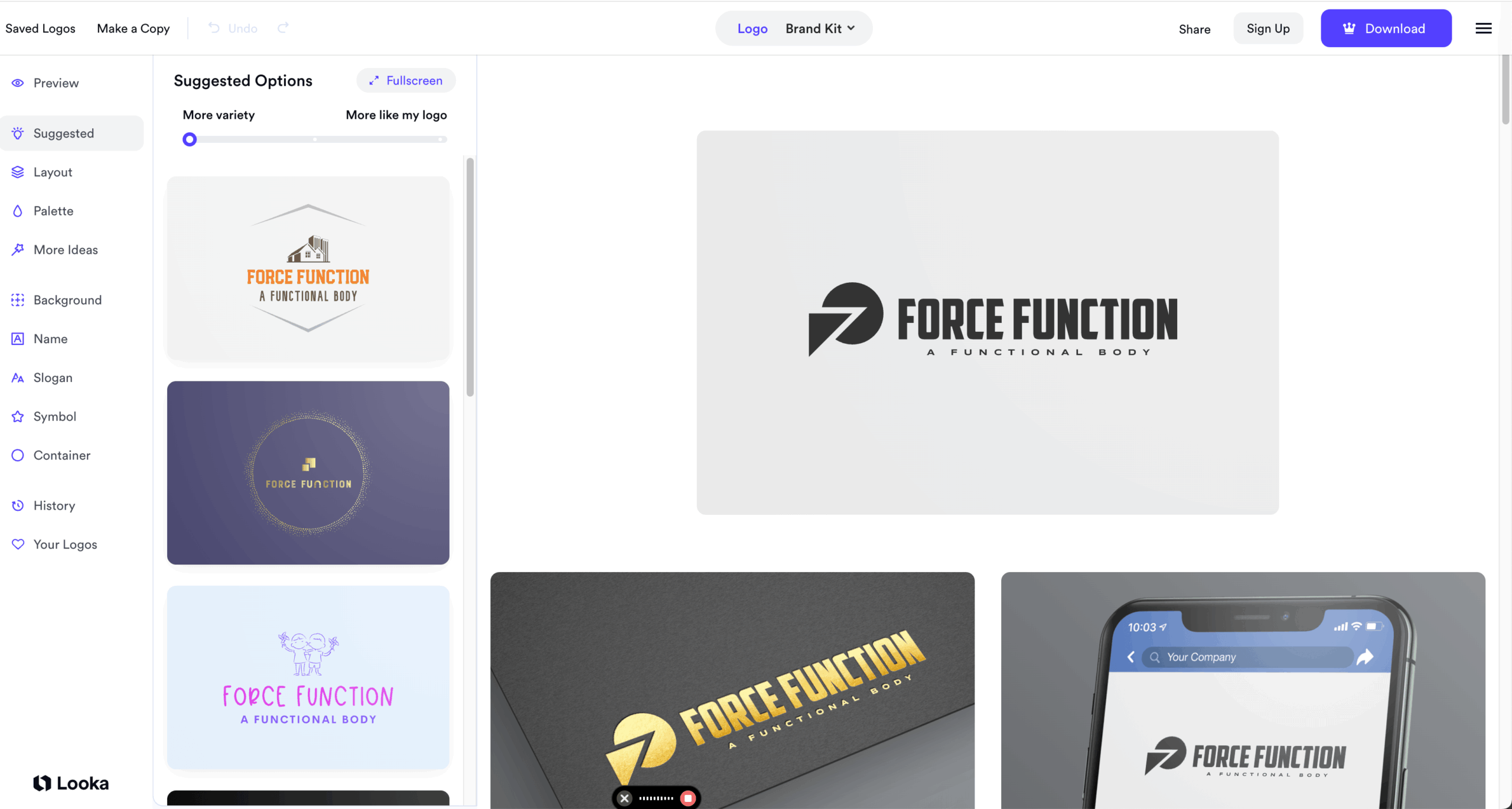
Once Looka generates options, you can start tweaking. I liked one design but hated the font for “Force Function.” So I clicked on “Name” and browsed different font options until I found one that felt bold and modern.
You can also toggle the slogan on and off, adjust colors, and see what the logo looks like in different layouts (horizontal, stacked, icon-only).
Step 5: Download and skip the brand kit (for now
Looka will try to upsell you on a brand kit subscription. Skip it if you want! Just download the logo files for $20. You’ll get multiple file formats (PNG, PDF, vector) that you can use everywhere.
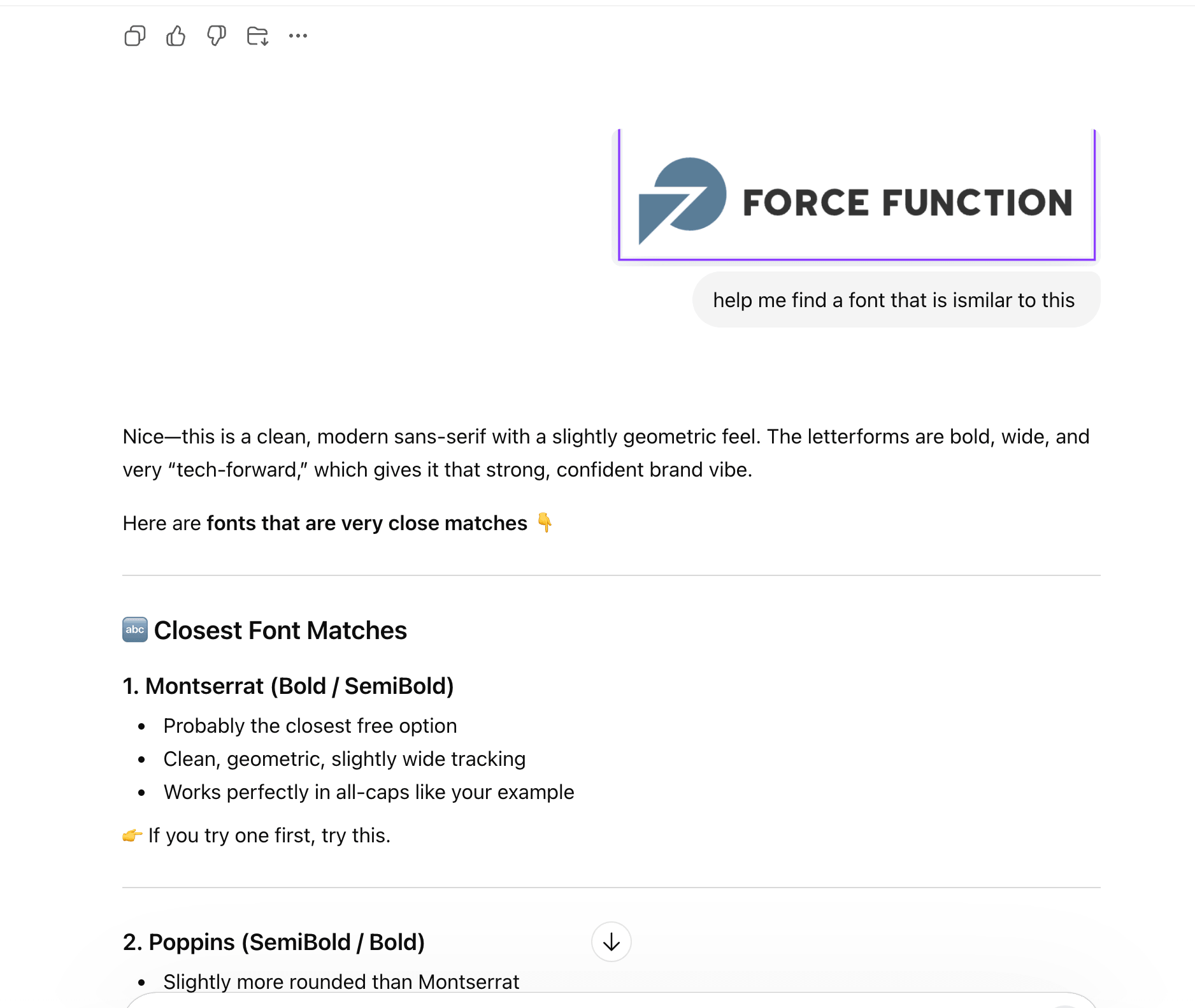
Tip: If you need help finding fonts similar to the ones Looka used, upload a screenshot to ChatGPT and ask “help me find a font that is similar to this.”
Step 6: Bring it into Canva
Now the real magic happens. Upload your logo to Canva and start creating!
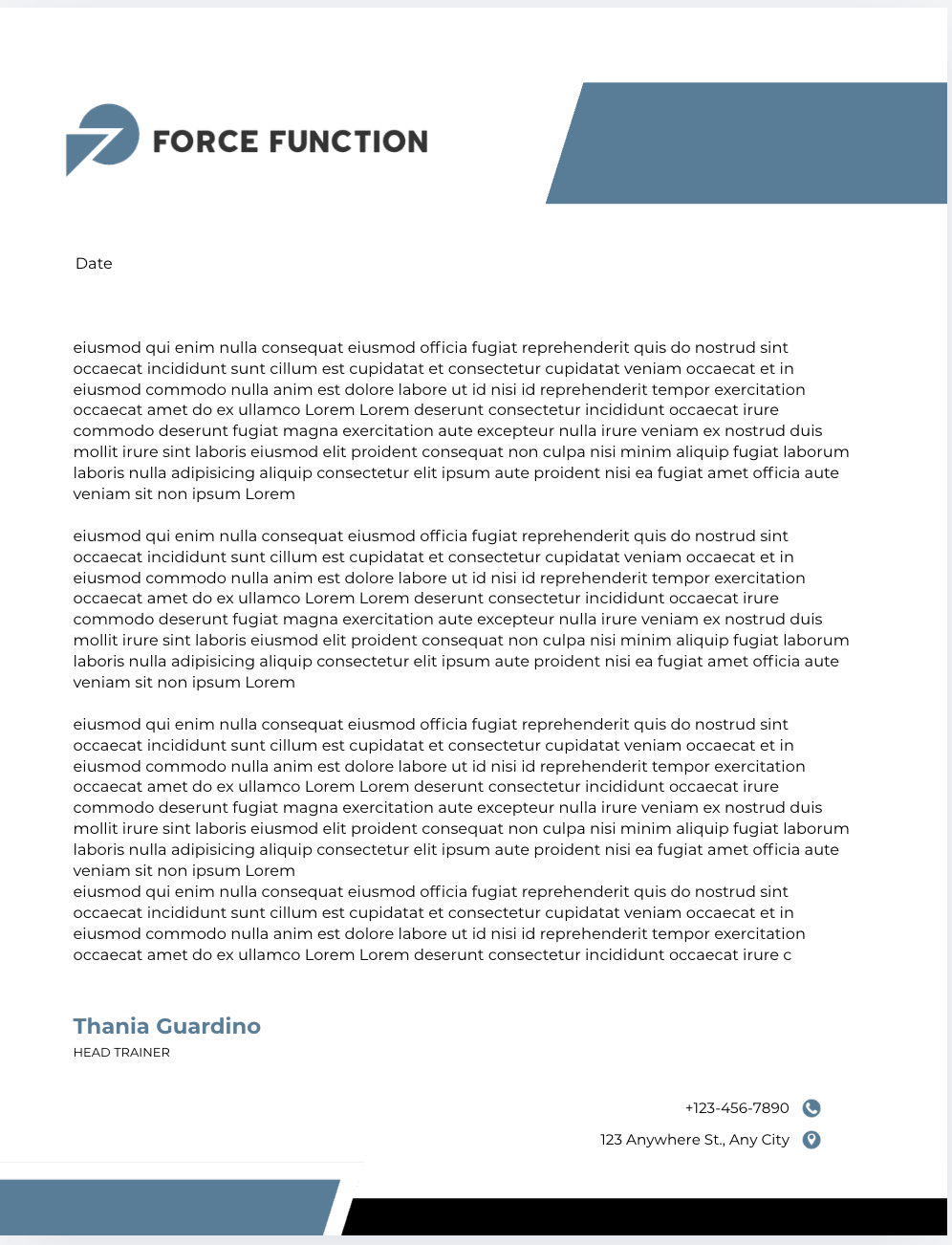
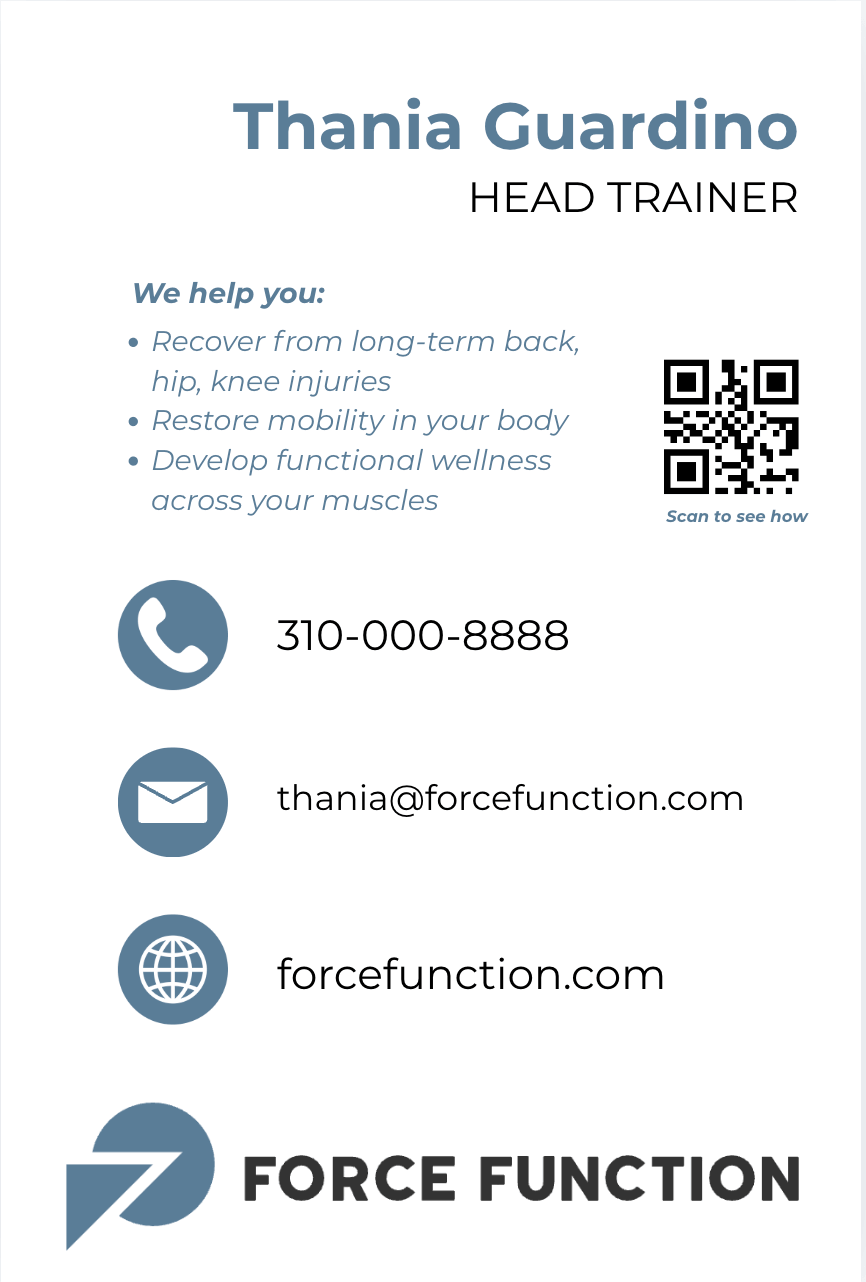
I made:
Canva makes it so easy to drop in your logo, adjust colors, and add your contact info. Play around with layouts until it feels right. I shared my exact artboards above with you, so you can use them as a template!
(Note: these designs are very elementary so utilize the styled templates Canva has available which are much better than mine! These are just to get you started with dimensions and inspiration.)
Step 7: Print your materials
For business cards, I use Moo.com. They’re high-quality, affordable, and the cards feel substantial. You can also order letterhead through Moo or just use a local printer.
Ta-da!
You just created a complete brand identity for under $50 (not including printing). This is just a starting point to get your creative juices flowing and show you step-by-step how to get started on your branding. Now, go forth and expand and explore. Time to build your thing!

Thania (TA Content Mgr)






 Upcoming Events