

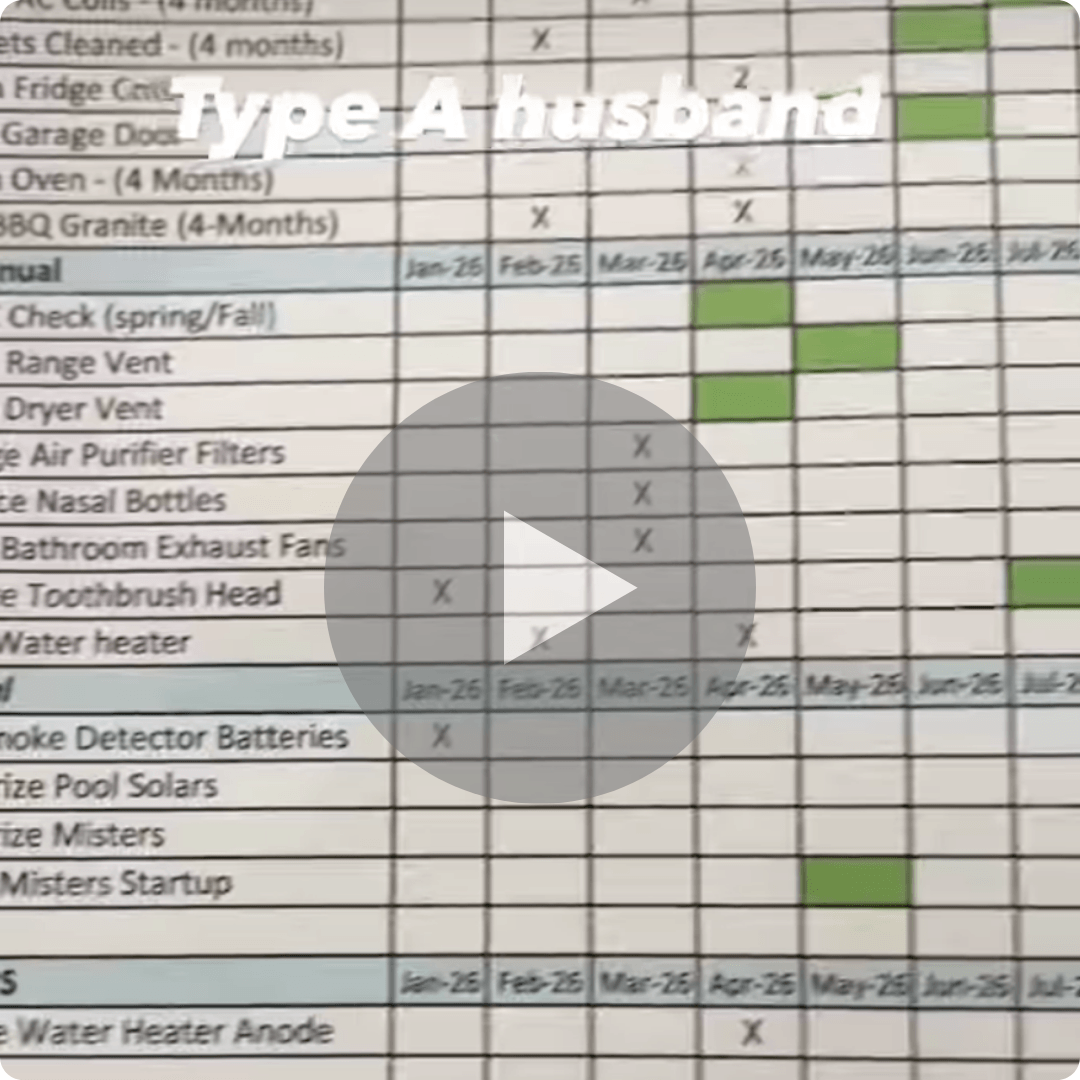
Click the image for the punchline 👆.
✅ Today’s Checklist:
- Use Claude to organize thousands of photos on its own
- How power users run Microsoft Copilot as a workflow layer
- 10 signs you’re already leading
- A 4-ingredient mango ranch water for summer
📆 Thursday 7/9 @ 9am PT / 12pm ET: turn a team of finger-pointers into doers who crave accountability. Our free 60-minute goal-setting training shows you the system. Register here.
QUICK LINKS
🤖 The AI productivity tools actually worth adding to your stack.
💬 Twelve tips to communicate clearly and stop the workplace misunderstandings.
🎭 What actor training teaches leaders about presence and being believed.
🍳 That cheap breakfast staple might lower your Alzheimer’s risk.
DIGITAL DECLUTTER

Use Claude to Organize Thousands of Photos Automatically
Takeaways:
- If your camera roll or photo folder has become a digital junk drawer, Claude can help organize it for you. With access to your photo folder, it can sort images into subfolders by year and then group them by recognizable themes like holidays, birthdays, work events, screenshots, travel, and more.
- One of the most useful instructions is telling Claude to identify potential duplicates and move them into a separate “review” folder instead of deleting them. That way you can clean things up without worrying about accidentally losing photos you care about.
- To use this workflow, you’ll need the paid desktop version of Claude. Open the Cowork tab, connect the folder you want organized, and give Claude a prompt explaining how you’d like the files sorted. It can handle the heavy lifting while keeping the original photos intact.
FOUNDER TAKE
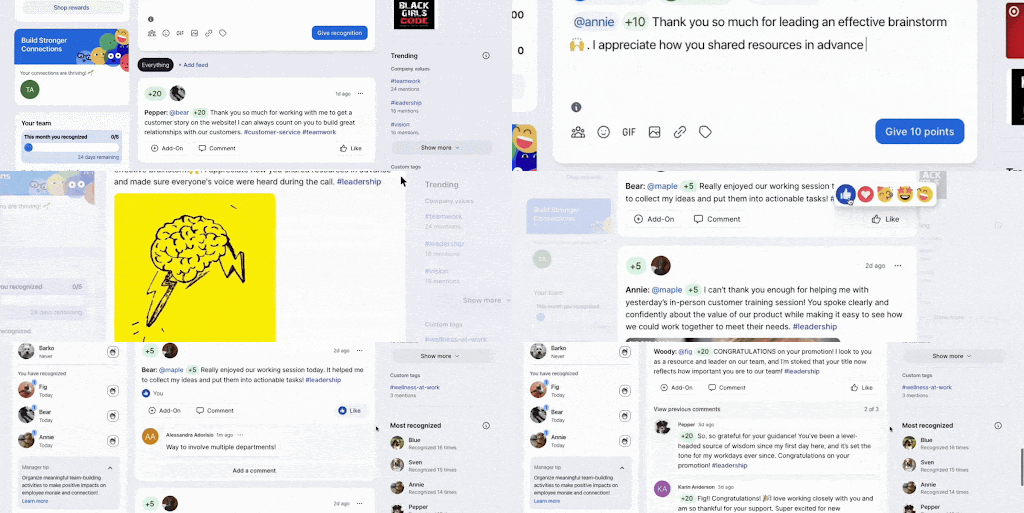
The Tool 1,000+ of My Coworkers Actually Loved
At the last company I worked at, we used Bonusly, and my coworkers were obsessed with it. It’s a recognition platform where you give each other points for good work, and people would genuinely do things to earn them. Basically an HR-approved bribe, and it worked.
The points cashed out for real rewards (I redeemed mine for a flight to Cabo 🙌), so there were real stakes. The recognition feed became something people checked on their own, and managers handed out shoutouts without being asked.
Running my own company now, I know how rare that is. Most tools get ignored, forgotten, or dropped. Bonusly just… stuck.
And because people actually use it, leaders get a real picture of who’s collaborating and where connection is fading.
Bonusly’s new AI companion, Bizy, makes that picture even easier to see. Think of it as an extra set of eyes on your team: it turns the recognition people are already giving into a real sense of what’s happening, and it flags the patterns worth a look on its own, so you get that “you should probably look at this” nudge before something becomes a bigger problem.
My team reviewed Bonusly properly so I could share it with you. (Spoiler: still a yes.)
PRODUCTIVITY
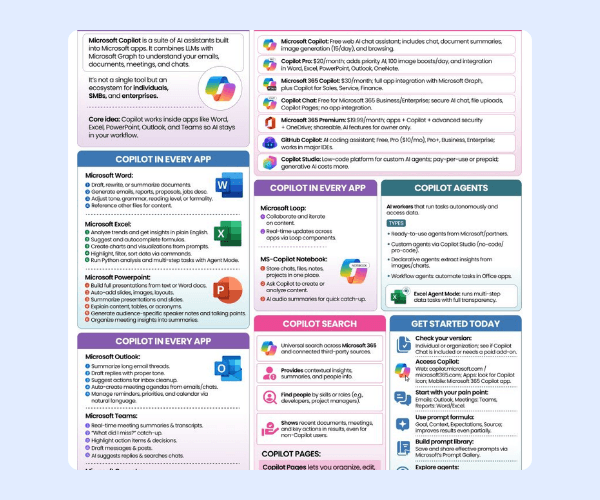
Stop Switching Tabs to Get the AI Help You Need
Takeaways:
- Most people use AI like a search box. Power users use it as a workflow layer. Instead of jumping between apps, Microsoft Copilot works inside the tools you’re already using and connects your documents, emails, meetings, notes, and data in one place.
- The biggest productivity wins happen inside everyday work. Copilot can summarize email threads in Outlook, generate meeting recaps and action items in Teams, draft documents in Word, build formulas and charts in Excel, and create presentation decks in PowerPoint. The goal isn’t better prompting. It’s reducing manual work.
- The real value starts when you move beyond chat. Features like Copilot Search, Copilot Pages, Copilot Agents, and Copilot Studio allow you to search across your workspace, turn AI outputs into collaborative assets, automate multi-step tasks, and build custom AI agents that handle work on your behalf. That’s where AI shifts from assistant to teammate.
LEADERSHIP
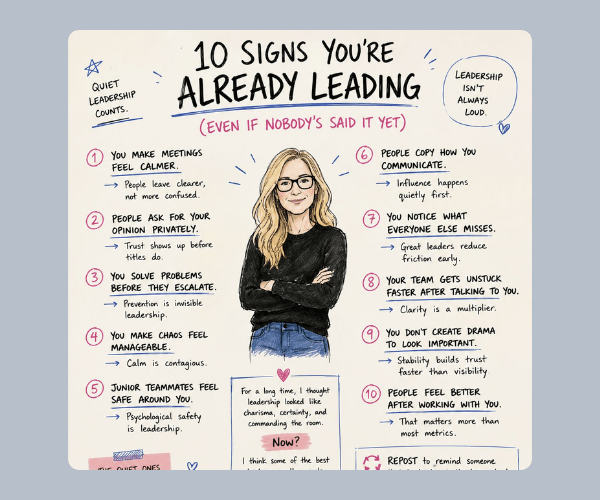
10 Signs You’re Already Leading (Even If Nobody’s Said It Yet)
Takeaways:
- Leadership is often less obvious than people think. If teammates consistently come to you for advice, leave conversations feeling clearer, or trust you with problems before they grow, you’re likely having more influence than your title suggests.
- Some of the strongest leadership skills are the least visible. Creating psychological safety, helping people navigate uncertainty, reducing friction, and preventing problems before they escalate rarely make it into performance reviews, but they are often what holds teams together.
- Leadership often looks like being the calm person in an intense moment, the teammate who helps others get unstuck, or the person who makes work feel a little more manageable for everyone around them.
BUSINESS PLANNING TOOL
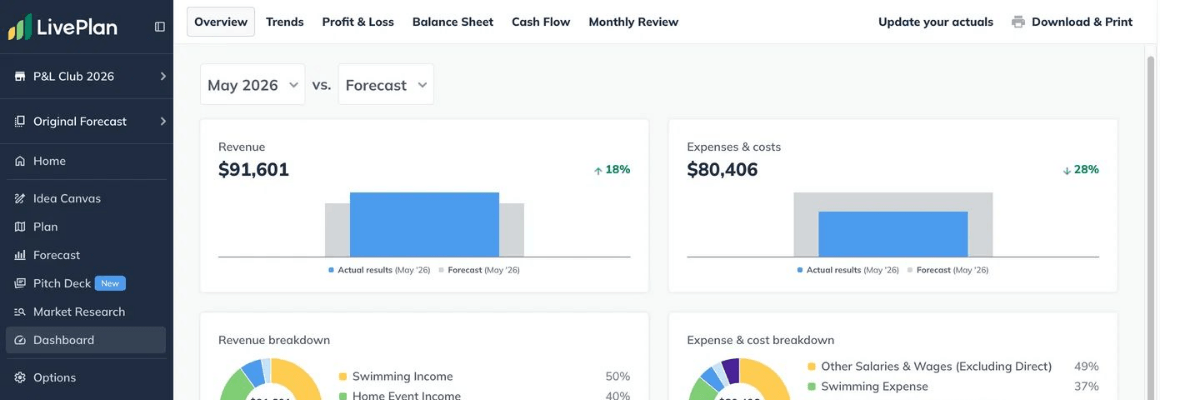
The Business Plan That Actually Holds Up When Someone Asks Questions
You’ve got the idea and the drive. The plan behind it is probably a Google Doc with a rough outline, numbers that made sense when you wrote them, and a market section that’s gone stale. That’s how most founders end up walking into a funding conversation underprepared.
LivePlan connects your plan, financial forecasts, and market research in one place, so when a lender asks what happens to cash flow if revenue comes in 20% short, you have the answer. Its AI writes with your actual business in mind, its plan review reads your draft the way an investor would, and every number stays in sync across your income statement, cash flow, and balance sheet.
Over a million entrepreneurs have used it.
SUMMER

4-Ingredient Mango Ranch Water
Takeaways:
- This refreshing summer cocktail comes together with just four ingredients: mango puree, blanco tequila, lime juice, and Topo Chico. That’s it (or remove the tequila for an non-alcoholic version).
- Ranch water is known for being light, crisp, and easy to customize. The mango puree adds a little natural sweetness and tropical flavor without turning it into a heavy frozen drink.
- If you’re looking for a simple low-calorie cocktail that feels a little more elevated than a vodka soda, this is an easy go-to for barbecues, pool days, summer happy hours, or anytime you want something refreshing without a ton of ingredients.
STAFF PICKS
Stuff We’re Loving This Week
👉 Hear the latest data about AI proficiency in the enterprise, usage patterns, and bottlenecks on 7/7.
🍸 Office by day, happy hour by night: this mock-neck sweater tank comes in a dozen colors.
🌶️ Dangerously good Nashville hot mustard.
🥘 Save up to 50% on premium cookware during the biggest sale of the year.
JUST FOR FUN
COMMUNITY
 Upcoming Events
- TODAY 7/2 @ 8am PT: AI Workflow Implementation Sprint: Week 1 Live Session
- Wed 7/8 @ 9AM PT: Critical & Creative Thinking Workshop with NextArrow (SGS Only* | Join the waitlist)
- 7/9 @ 9AM PT: How to Set (and Achieve) Quarterly Goals with Clarity and Confidence
- Fri 7/10 @ 7AM PT: AI Workflow Implementation Sprint: Week 2 Live Session
* Smart Girl Society is our private community for women who want deeper conversations, accountability, and tools that actually make life easier. Join the waitlist to get in the next round.

SPILL THE TEA
Take Our Poll
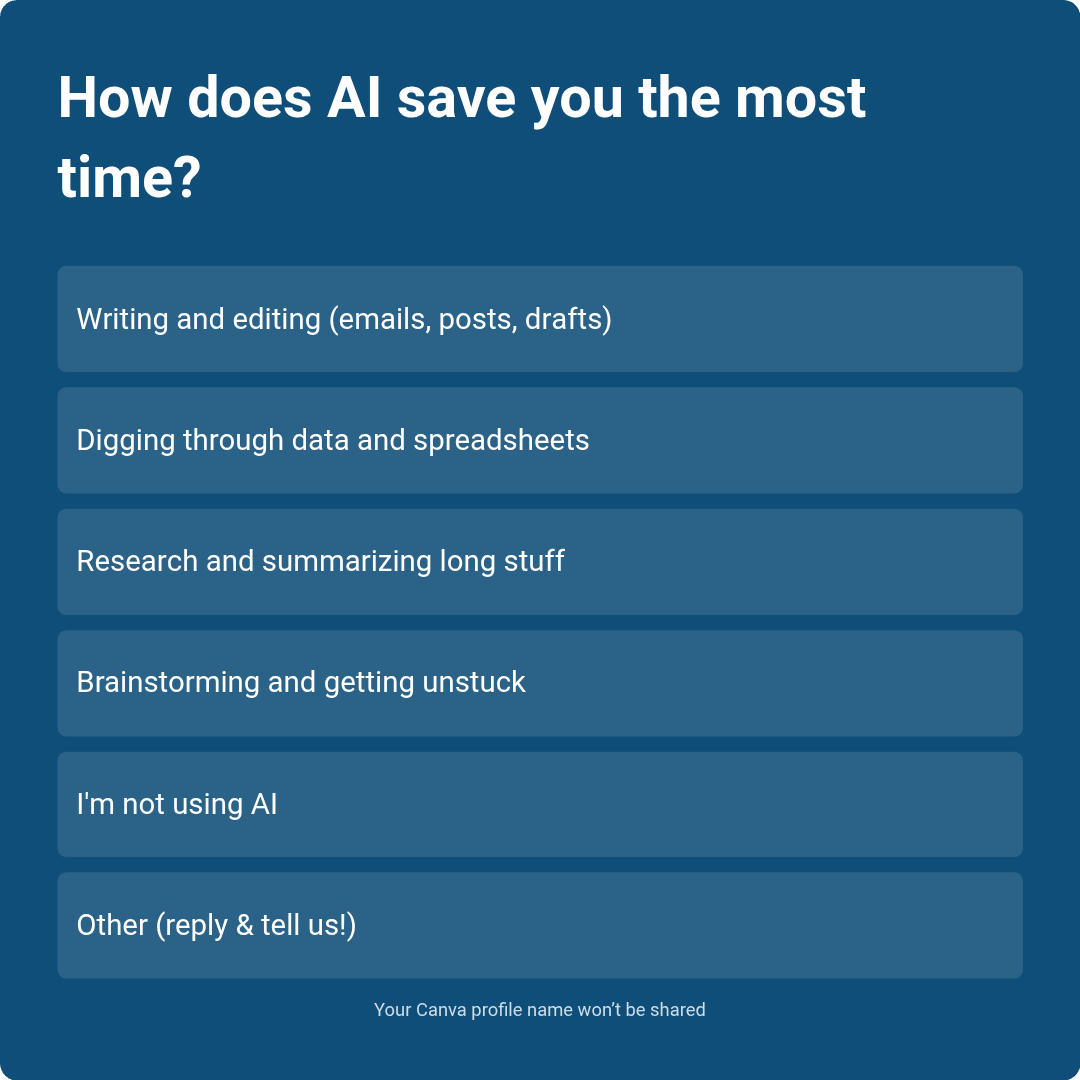
Have more feedback? 💌 Reply to this email and tell us.
✨ P.S. Want more inspiration and positivity to kick off your week? Sign up for our Motivational Monday texts (U.S. only).
👀 Want to see if your company is a good fit for our 250k+ ambitious readers? Join our Sponsor Waitlist here.