
✅ Today’s Checklist:
- Scripts for asking for more people, money, and time
- How to stop switching systems every time you learn a new one
- Why nobody at work is coming to train you
🤔 Riddle me this: What can you hold in your left hand but never in your right? (Find the answer on the bottom).
QUICK LINKS
🏠 The easiest way to elevate your home and add a touch of luxury into your life every day.
📉 Record-low unemployment hides a labor market that isn’t actually strong.
👏 14 Slack apps for employee recognition that put the shout-out where your team already works.
📊 Working from home means juggling kids mid-meeting more often, new Pew data shows.
THE BIG ASK

How To Ask For More Without Making It About You
You’ve drafted the message to your manager four times. Once it came out desperate, once it came out passive, and the version still sitting in your drafts opens with “I know everyone’s busy, but.”
Most asks get turned down for one reason. They describe how the work feels, when the person approving them needs to hear what it costs the company.
Before you walk into any of these conversations, get three things ready: what specifically you need, what it costs the company to not give it to you, and what you’ll do with it.
1. When you need another person on the team
Say this: “I want to talk about capacity on the team. Right now we’re carrying [X projects] with [Y people], and the result is that [specific thing] has slipped by [specific amount] and [specific initiative] hasn’t started. I’ve mapped out what one additional headcount would let us pick up, including [specific outcome tied to a company goal]. Can we talk about what it would take to get approval for that role, and what timeline is realistic?”
If the answer is no, follow with: “Understood. In that case, I’d like to walk through what we should stop doing, because I don’t think we can hold all of it at current capacity. Can we prioritize together?”
2. When you need a tool, software, or resource
Say this: “I’ve been looking at [tool] and I think it’s worth the investment. Right now my team spends roughly [X hours a week] on [manual task]. This would cut that to about [Y], which is [Z hours a month] back into [higher-value work]. It runs [cost]. I’m happy to run a trial first if that makes the decision easier.”
3. When you need time to work on your actual priorities
Say this: “I want to make sure I’m spending my time where it matters most to you. Right now, [recurring meeting / ad hoc requests / secondary project] is taking about [X] of my week, which means [primary goal] is getting the leftovers. I’d like to protect [specific block] for that work. Which of these would you rather I scale back?”
4. When you need flexibility in your schedule or setup
Say this: “I’d like to propose an adjustment to my schedule. I do my best deep work [when/where], and I think shifting to [specific arrangement] would make me more effective on [specific responsibilities]. I’d suggest we try it for 60 days and check in on whether the results hold up. Here’s how I’d stay accessible to the team in the meantime: [specific plan].”
5. When you need more money
Say this: “Thanks for making time. I want to talk about my compensation. Over the past year I’ve [specific accomplishment with a number], [second accomplishment], and taken on [expanded scope]. I’ve researched what this role pays at comparable companies, and based on my experience and what I’ve contributed here, I’d like to discuss an increase to [specific number].”
Then pause and let them respond. If the answer is no: “I appreciate you being straight with me. What would you need to see from me before an increase is possible, and what timeline feels realistic? I’d like to make this an ongoing conversation.”
6. When you want to propose a new benefit or perk
Say this: “I want to raise something I think would strengthen our retention. [Specific benefit] is becoming standard at companies we compete with for talent, including [examples]. I’ve looked at what implementation would involve and the cost is roughly [estimate]. I think it would make a real difference in [hiring / retention / morale], and I’m happy to put together a fuller proposal if you want to take it further.”
Ask like it’s a business problem
Making one of these asks marks you as someone who’s paying attention to what the work actually requires, and willing to say so out loud.
The worst outcome is a no, and a no is information: about the budget, about the priorities, about whether this is a place that invests in the people doing the work. Worth knowing either way (so, go ask!).
SPONSOR
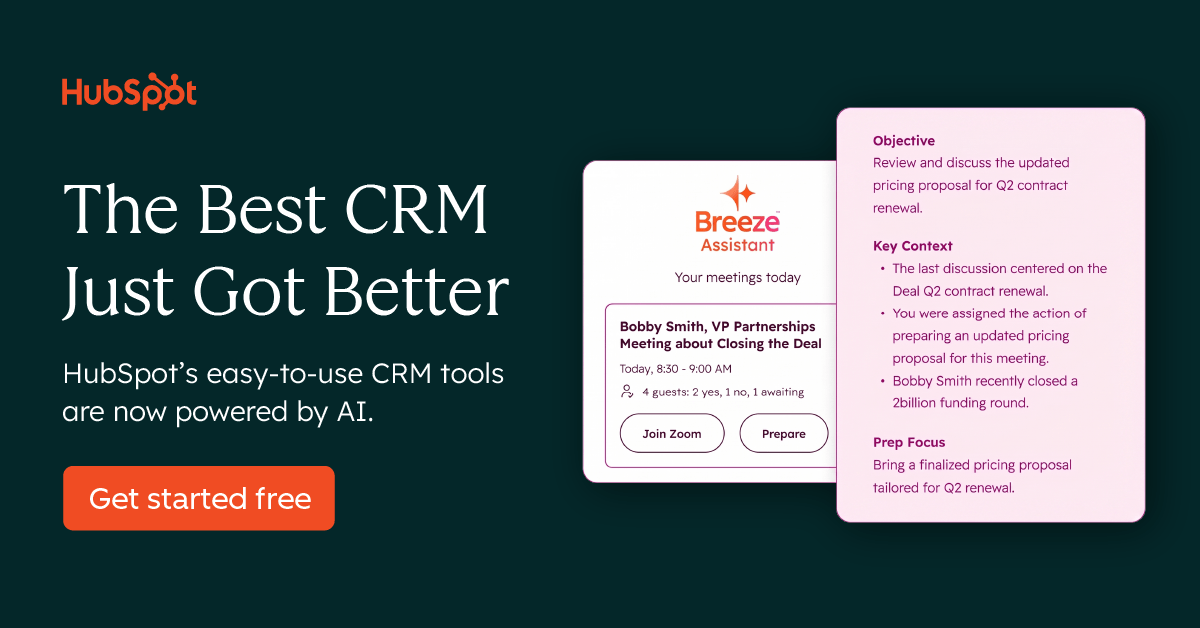
The Free Account That Puts Every Customer Conversation in One Place
Disconnected data and tools make it harder to understand your customers. HubSpot’s Agentic Customer Platform brings your data, teams, and tech stack together with AI built in to help your business work faster and create more personalized customer experiences.
Their free plan covers you and one teammate:
- Contact management and a deal pipeline you can actually see
- Marketing email, forms, and landing pages
- Ticketing, live chat, and team email
- Payment links, invoices, and quotes
No credit card, and the free version never expires. Start with your contacts and add the rest as you need it.
Get set up quickly and start checking off your hardest tasks.
BIGGEST CHALLENGE

How To Stay Curious Without Blowing Up What Already Works
“My biggest challenge has been staying consistent with one system. I’ll learn about tools that help with organization and automation, try them out, and they do help. But then I’ll learn about a new way of doing something, get excited and try that, and I think I’m wasting time trying all different things.” — Courtney H.
The curiosity that makes you good at your job is the same thing that keeps pulling you away from a system that was working. Staying current, adapting fast, wanting to work smarter: those are the instincts that got you here, and you should keep them. What’s missing is a filter that decides which new thing earns a spot in your week.
Here’s how to build one.
Only replace what’s actually broken
The most important mindset shift: new tools are not upgrades by default. A shiny workflow that solves a problem you don’t have is just a distraction with good marketing.
Before you trial anything new, run it through this sequence:
- Is your current system working? If yes, stop here. You don’t need this tool right now. File it away and move on.
- Is something specific not working, or could it work faster or better? If yes, now you have a real reason to explore. You’re solving a defined problem, not chasing novelty.
- Did the trial actually produce results during a set test period? If yes, it’s worth the investment of switching. If no, you have your answer without having blown up a system that was serving you.
The rule is simple: you only trial something when you can name what’s broken.
Demo before you trial, trial before you commit
Most tools offer demos before you even start a free trial. Use them. A demo gives you enough information to know whether something is worth your time without requiring you to actually integrate it into your workflow.
Think of it as a three-stage gate: watch the demo, run a time-boxed trial, then decide. Curiosity gets satisfied at the demo stage. Commitment only happens after the trial proves it out.
Know the difference between “worth implementing” and “worth knowing about”
Not everything that impresses you needs to live in your workflow. Some tools are worth implementing — they directly replace something broken, they save meaningful time, and the switching cost is justified by the result. Others are simply worth knowing about — you file them mentally for a future problem, share them with a teammate whose work they actually fit, or bookmark them for a quarter when your needs change.
Asking “is this solving a current problem or a hypothetical one?” will tell you which category something belongs in almost every time.
Give every new system a fair runway before you evaluate it
One of the hidden costs of tool-hopping is that you rarely give anything long enough to work. Most systems take two to four weeks before they feel natural. If you’re evaluating after three days, you’re measuring the learning curve, not the tool.
Set a minimum trial period before you assess. Thirty days is a reasonable benchmark for most workflow changes. Decide upfront what success looks like, check in at the end of the window, and make the call then.
Staying curious is an asset. Staying consistent is the skill that makes curiosity actually pay off.
REPORT ON REPEAT

The Monthly Report You Rebuild by Hand Every Single Time
You copy from one tab, paste into another, fix the formatting, send it, then do the whole thing again in thirty days.
Kat Norton (Miss Excel) is running a free class on building dashboards that update themselves, so you build the report once and after that you just refresh it.
You’ll learn how to:
✅ Build an interactive dashboard from scratch
✅ Automate the copy-paste steps you’re still doing by hand
✅ Turn messy data into something a director reads in ten seconds
She also shows you where your week actually went, down to the hours you lost to meetings that could have been an email.
Sign up and you get her new Dashboard Cheat Sheet.
STAFF PICKS
Stuff We’re Loving This Week
📆 This Month: Scott Galloway and AI leaders share how to make your AI spend defensible. Free on 9/17.
🐈 Milo ate the ties right off a pair of pants, and Lemonade Pet covered $1,066 of the surgery.
💌 Career intel that reads like a text from your work bestie: Girlboss Daily, free every weekday.
🧇 Joanna’s current breakfast obsession: protein waffles that actually taste like waffles.
JUST FOR FUN

COMMUNITY
 Upcoming Events
- TODAY 9/8 @ 12PM PT: Coworking Session (SGS Only* | Join the waitlist)
- Thu 9/10 @ 10AM PT: Automate Your Life: Live Build Workshop with Tina Lopez (SGS Only* | Join the waitlist)
- Tue 9/15 @ 11AM PT: Build Your Own AI Agent: Live Co-Learning Session (SGS Only* | Join the waitlist)
- Thu 9/17 @ 10AM PT: Beyond the Brand with Laura Weldy (SGS Only* | Join the waitlist)
- Fri 9/18 @ 9AM PT: Part 2 of a 2-Part Investing Series with Tess Waresmith (SGS Only* | Join the waitlist)
* Smart Girl Society is our private community for women who want deeper conversations, accountability, and tools that actually make life easier. Join the waitlist to get in the next round.
 Work Wisdom of the Week:
“Don’t wait for your workplace to train you. Identify what you want early, and then move heaven and earth to learn it and showcase your knowledge in your workplace and to the right people. Solve real problems and keep your supervisor and leadership team aware of the lengths you are going to and what your goals are. Shadows are not solid, so be concrete.”

Jordana Heath, Director of Operations


SPILL THE TEA
Take Our Poll
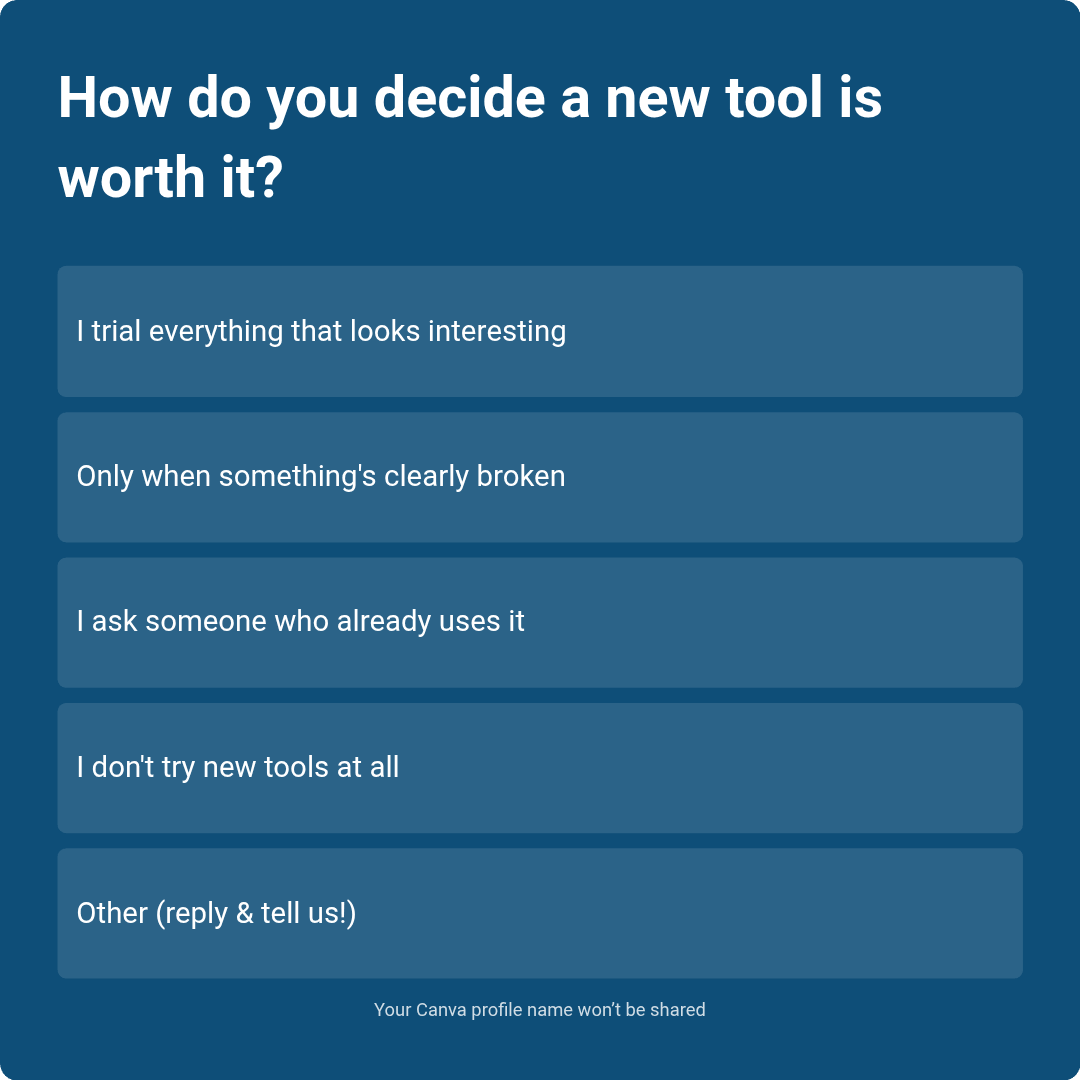
Have more feedback? 💌 Reply to this email and tell us.
✨ P.S. Want more inspiration and positivity to kick off your week? Sign up for our Motivational Monday texts (U.S. only).
👀 Want to see if your company is a good fit for our 250k+ ambitious readers? Join our Sponsor Waitlist here.