
✅ Today’s Checklist:
- Build a personal health archive with Claude
- The no-checked-bag system
- Recipe of the week: 6-Ingredient Peanut Protein Bars
🤔 Trivia: What famous road trip route, established in 1926 and stretching from Chicago to California, became known as the “Main Street of America”? Find out.
QUICK LINKS
☁️ The “soft-on” day is the gentle productivity trend giving WFH workers a built-in pressure valve.
🤖 The case that AI agents are making us worse at our own jobs.
🚶♀️ Exactly how much walking it takes to maintain weight loss.
👜 The bag trends taking over the spring and summer.
HEALTH ARCHIVE

Never Forget What Your Doctor Said Again
Managing your health information is one of those things that sounds simple until you’re sitting in a follow-up appointment trying to remember what your doctor said three months ago about your lab results. Most of us leave appointments with a vague memory of the conversation, a printout we lose, and a handful of things we meant to ask but forgot.
Here’s a better system: using Granola to capture your appointments and Claude to organize and retrieve the information, you can build a personal health archive that actually works for you.
Step one: download Granola and set it up
Granola is an AI note-taking app that transcribes conversations and turns them into clean, organized notes. It works on Mac and Windows for desktop and has an iPhone app for on-the-go use. Download whichever version fits your situation, or both.
For telehealth appointments, use the desktop app. It captures audio directly from your computer system, so it will pick up both your voice and your doctor’s without any extra setup. For in-person appointments, use the iPhone app. Open it before your appointment starts, tap to begin a new note, and let it run in your pocket or on the table while you talk.
One important note: let your doctor know at the start of the appointment that you’re using an AI assistant to take notes. It’s a simple courtesy and keeps everything transparent.
Step two: capture your appointment
You don’t need to do anything complicated during the appointment. Granola handles the transcription in the background while you stay present in the conversation. If you want to jot down a quick note mid-appointment, you can, and Granola will weave your notes together with the transcript after the fact.
When the appointment ends, Granola will generate a clean summary of the conversation including key details, decisions, and any action items. You can edit the notes, add context, or reorganize them before saving.
For best results, create a consistent naming format for each note so they’re easy to find later. Something like “Dr. [Name] — [Date] — [Type of Appointment]” works well.
Step three: create a dedicated Claude project for your health
This is where Claude comes in. In Claude, create a dedicated Project called something like “My Health” or “Personal Medical Records.” Projects allow Claude to hold context across conversations, meaning everything you add lives in one place and Claude can reference it anytime you need something.
To set up your project, open Claude, click on Projects in the left sidebar, and create a new one. Give it a clear name and think of it as your personal health folder.
Step four: build your health archive in Claude
After each appointment, copy your Granola summary and paste it into your Claude health project. You can do this in a single ongoing conversation within the project, or start a new conversation for each appointment. Either way, Claude will have access to everything stored in that project.
This is also where you feed in everything else. Lab results and bloodwork panels, imaging reports, pathology findings, specialist notes, medication lists, and symptom patterns you’ve been tracking over time. If your doctor’s office sends results through a patient portal, copy and paste the text directly into Claude or upload the PDF if you have one. The more complete your archive, the more useful Claude becomes.
You can also use this space to track questions you want to ask at your next appointment, notes on side effects you’ve noticed, or anything your doctor mentioned that you want to revisit. Think of it as a living document of your health history, organized exactly the way you need it.
Step five: use Claude as your personal health executive assistant
Once your information is in Claude, you can treat it like a knowledgeable assistant who has read everything and is ready to help you make sense of it. Here are some of the ways you can put it to work:
Ask it to summarize your last few appointments before an upcoming visit so you walk in prepared. Ask it to pull up everything your doctor said about a specific medication, diagnosis, or symptom across all your notes. Ask it to explain a lab result in plain language, like what it actually means when your ferritin is low or your A1C has crept up. Ask it to identify patterns across your visits, like whether a particular symptom keeps appearing or whether a metric has been trending in a certain direction. Ask it to draft a list of questions for your next appointment based on what’s been flagged in your results. Ask it to compare your most recent bloodwork to previous panels so you can see what’s changed.
You can be as conversational or as specific as you want. “What did my doctor say about my thyroid in January?” or “Can you summarize all my lab results from this year and flag anything that was outside the normal range?” are both totally valid prompts, and Claude will find it if you’ve put it in.
A few things worth knowing
Granola’s iPhone app works well in quiet to moderate environments. If your appointment is in a noisy clinic, the transcription quality may vary, so it’s worth reviewing and cleaning up the notes before pasting them into Claude.
And one privacy note, since this is your health data: Claude’s consumer plans aren’t HIPAA-covered, so treat anything you paste as personal information you’re choosing to store. You also control whether your conversations help train Claude’s models. In Settings, under Privacy, switch “Help improve Claude” off to keep your chats out of model training.
Also, while Claude is an incredibly powerful tool for organizing and retrieving health information, it is not a substitute for medical advice.
Use this system to stay informed, ask better questions, and track your health over time, not to replace the guidance of your healthcare provider.
MANAGER RISK
The Employment Law Mistakes Managers Don’t Know They’re Making
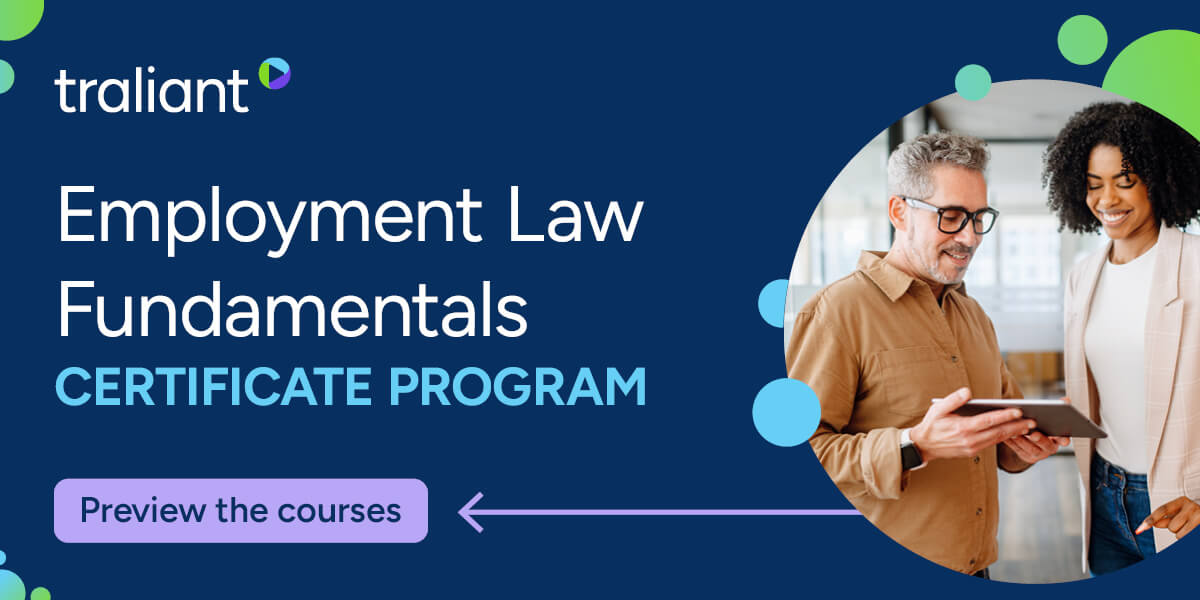
Most employment risk starts with the everyday calls a manager makes without realizing the legal stakes: a hiring question, a leave request, an accommodation they wave off. Organizations face a 10% chance of an employment claim each year, and the average one costs $160,000.
Employment Law Fundamentals turns that risk into something managers can actually see. It’s built as a TV-style, story-driven training, so instead of memorizing statutes they watch the moments play out and learn how to handle them.
Coverage spans the highest-risk areas:
- Interviewing & Hiring Lawfully
- Wage & Hour Fundamentals
- FMLA & Protected Leave
- Accommodations (ADA, PWFA, religion)
Plus, 2-minute microlearning videos for ongoing reinforcement.
With self-customization and built-in analytics, you can align training to your policies and show it’s working.
CARRY-ON ONLY

How to Pack for Two Weeks Without Checking a Bag
I love traveling. What I don’t love is dragging a 60-pound suitcase over cobblestone streets in a country I don’t know, sweating bullets and wondering if I look like a complete idiot.
This trauma comes from my very first job out of college. I was 22, fresh from immigrant parents who had never been to Europe, and my mom was excitedly helping me pack for my two-week training in London. I packed too many outfits, in too many bags and it was heavy. Then I met my supervisor at the airport with his perfectly compact carry-on, and I died of embarrassment.
With beads of sweat dripping down my face, I determinedly dragged that bag through London streets, through tiny corridors, and up various flights of narrow stairs. I swore to never face that pain again.
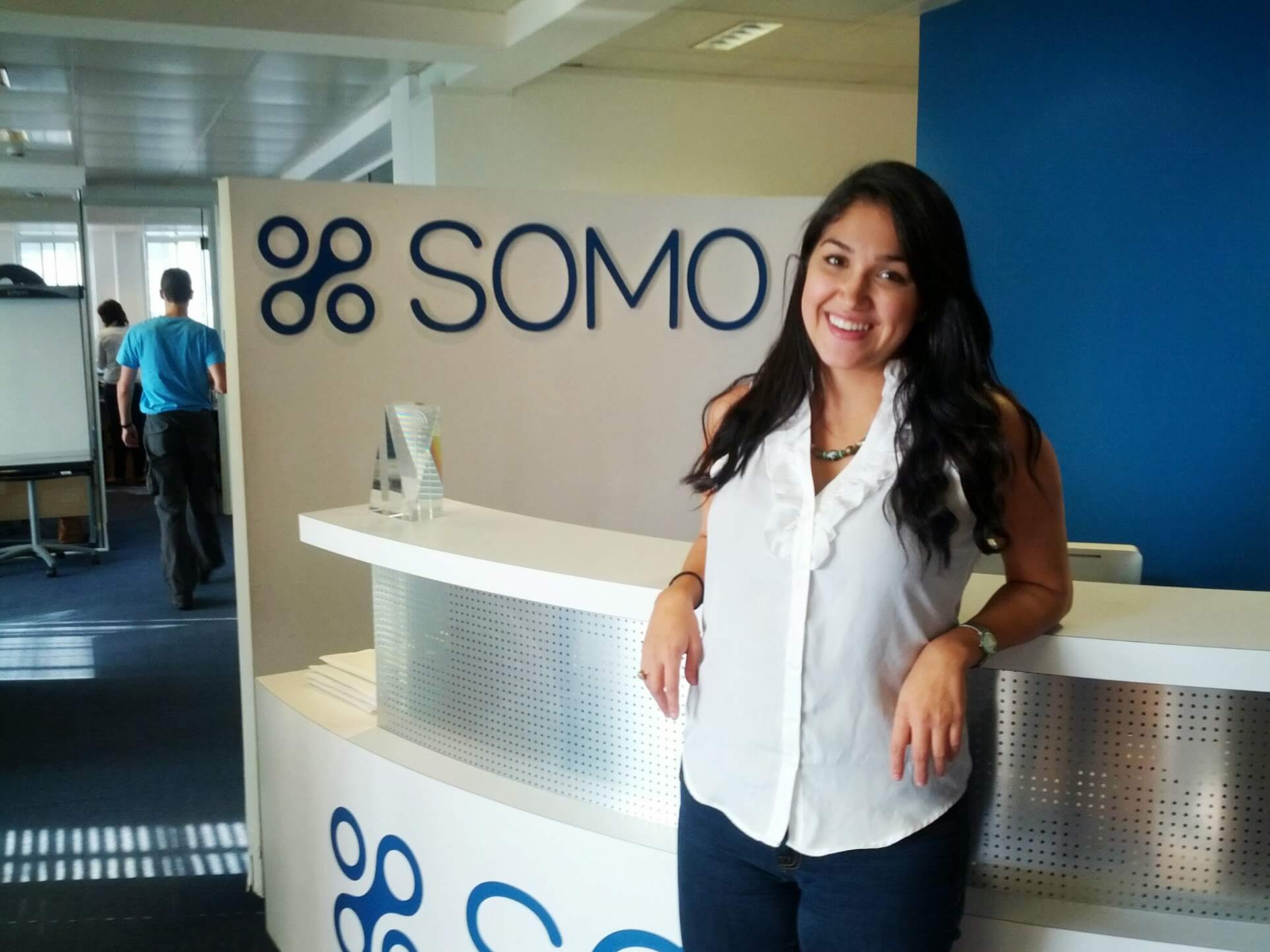
Now I have a strict rule: no checked bags unless absolutely necessary. And I’ve learned how to actually pack.
Plan Your Outfits Before You Pack
Before every trip, I take out a piece of paper and write down each day, then break it into morning, afternoon, and evening. I don’t think about specific outfits yet—I think about what I’ll actually be doing. Hiking? Meeting clients? Going out to dinner? Once I know the activities, I name the vibe I want to wear. “Cute dinner outfit.” “Bathing suit.” “Dressy look.” “Workout clothes.”
Then I go to my closet and build the actual outfits. I add one or two backup outfits that are versatile enough to mix and match with everything else. This way, I’m not overpacking, and I already know what I’m wearing when I arrive. No decision fatigue, zero overwhelm.
Shoes and That Airport Outfit
I always bring one comfortable pair of shoes (I love Allbirds) for the airport and traveling, and one dressier pair for nice dinners or events. I repeat my airport outfit on the return flight because I don’t think it’s weird and I’m not wasting suitcase space on something I’ll wear for four hours.
Toiletries: Keep Them Separate
I keep a separate travel set of toiletries. Travel size of everything I actually use—cleanser, moisturizer, contact solution, contact case, toothbrush, toothpaste, deodorant.
For fancier skincare that’s larger, I either bring it if it meets TSA standards (3.4 oz or less), or I transfer it into those little refill bottles you can find anywhere.
Get a Travel Backpack You Actually Like
I have a specific travel backpack that fits my laptop and acts as overflow from my carry-on. It has compartments for snacks, a water bottle, a notebook, pens. The straps are sturdy, and it fits under my seat on planes and trains.
Invest in One Good Suitcase
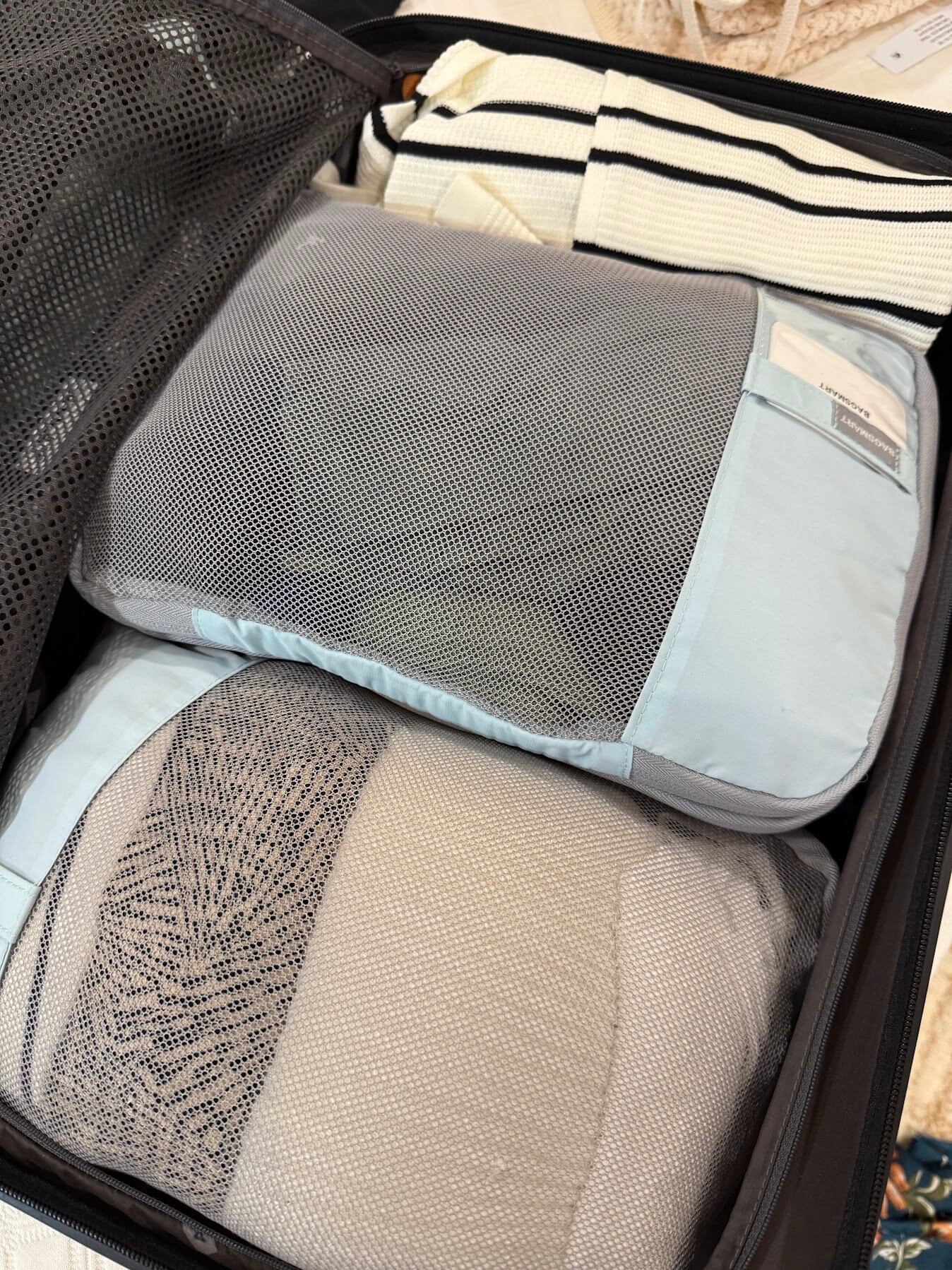
For the actual suitcase, I use packing cubes. They keep everything organized and consolidated, which helps my ADHD brain immensely. I roll most items and stack them in the cubes. Bulkier pieces go on the bottom, then the cubes go on top.
I invested in a pricey Away carry-on luggage, and I’ve never regretted it. The wheels have survived every type of terrain imaginable. It’s expensive, but it’s worth every penny.
Choose Pieces That Work Together
The real trick is investing in versatile pieces. A shirt that layers. A jacket that’s minimal enough to wear in multiple outfits and transitions from business to casual. Dresses that work for exploring but also look good with a blazer thrown over them. Mix-and-match pieces that work together across different occasions.
Same with shoes. I have sneakers that work with active wear or dresses. Flat sandals that dress up or down. One pair of wedges or heels that don’t take up much space and are actually comfortable. This eliminates needing five pairs of shoes for every situation.
Traveling light is about intention. It’s about knowing yourself well enough to pack only what you’ll actually wear. It’s about choosing quality pieces that work together, and allow yourself a little extra outfits here and there. And it’s about not spending your whole trip dragging luggage around like a pack mule while everyone else strolls ahead.
Pack smart. Travel light. Enjoy the trip, babe!

Thania (TA Sr. Content Mgr)
PRODUCTIVITY TOOLKIT
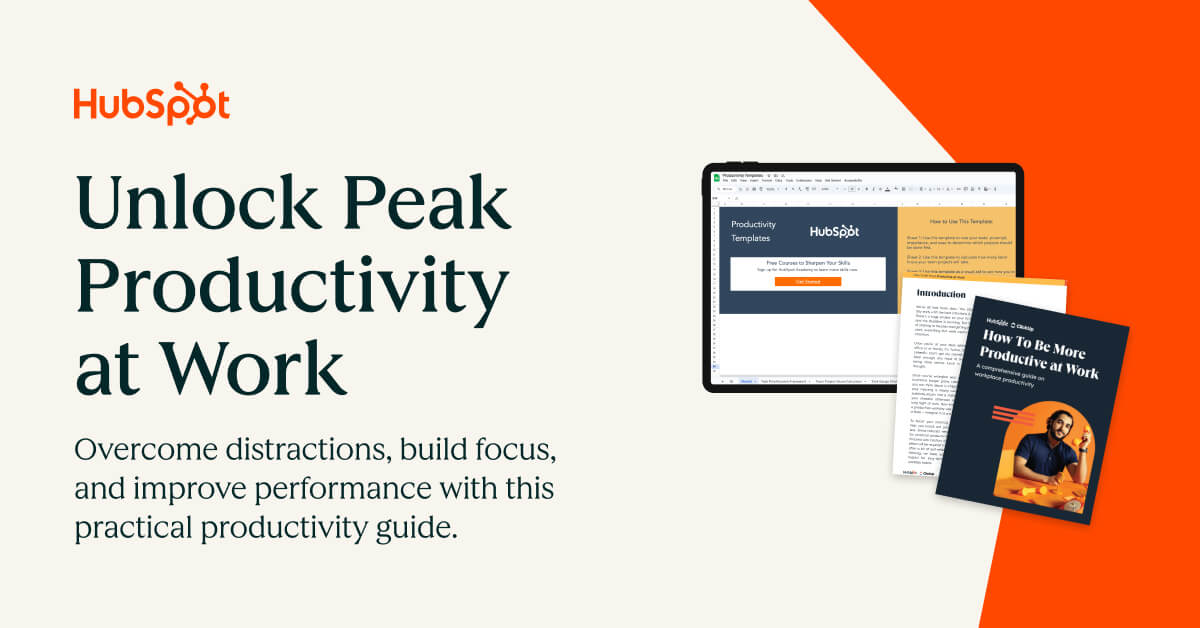
The Free Kit for Anyone Drowning in Their Inbox
The average office worker loses about 13 hours a week to their inbox alone, and multitasking can cut productivity by up to 40%.Between Slack pings, email, and the conversation two desks over, staying focused is genuinely hard.
Tackle the distractions that derail your day with research-backed templates and strategies:
- Build momentum with a better morning routine and “tiny habits”
- Use breaks, music, and your environment to fuel focus
- Get a handle on email and communication habits
STAFF PICKS
Stuff We’re Loving This Week
👉 Not ready to deploy AI agents in your company? Learn how you can be at this free event on 6/17. RSVP.
🍩 The DONUT delivers the day’s news without the doom and drama, free every morning.
🗒 Cam is addicted to this Rifle Paper Co. notebook (the size is perfect).
👗 The butter yellow off-shoulder top doing the most for zero effort this summer.
JUST FOR FUN

COMMUNITY
 Upcoming Events
- Thurs 6/11 @ 9AM PT: Management Workshop: Employee Development
- Thurs 6/11 @ 12PM PT: Speaking Like an Executive (SGS Only* | Join the waitlist)
- Wed 6/17 @ 9AM PT: AI and Your Money: The New Financial Skill Nobody Taught You
- Wed 6/17 @ 11AM PT: Co-working Session (SGS Only* | Join the waitlist)
* Smart Girl Society is our private community for women who want deeper conversations, accountability, and tools that actually make life easier. Join the waitlist to get in the next round.
👩🍳 Recipe of the Week: 6 ingredient peanut protein bars.
😋 Have a recipe you love? Share it here.

SPILL THE TEA
Take Our Poll
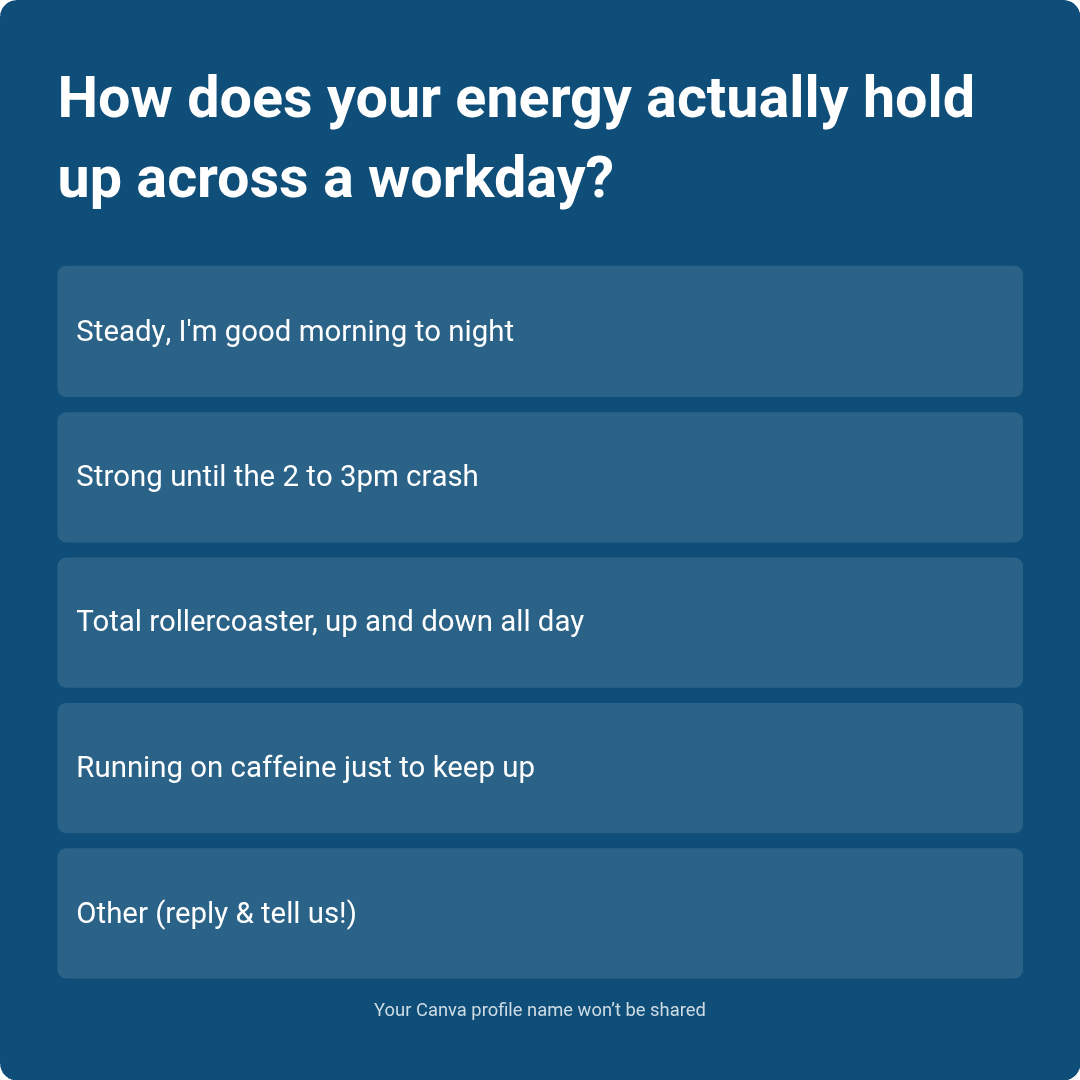
Have more feedback? 💌 Reply to this email and tell us.
✨ P.S. Want more inspiration and positivity to kick off your week? Sign up for our Motivational Monday texts (U.S. only).
👀 Want to see if your company is a good fit for our 250k+ ambitious readers? Join our Sponsor Waitlist here.